The “API request” block sends an HTTP request in JSON format to a third-party service and receives a response. The results can be written to variables for use in a script. For example, the block will send a request that will create a task in the CRM system, receive the result with the id of the new task and write it to a variable.
Block setting
1. In the Script editor, add an “API Request” block to the workspace.
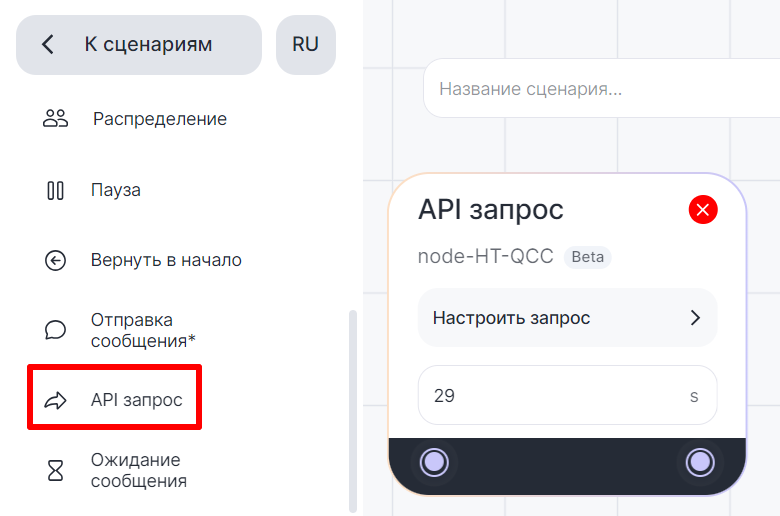
2. Set the timeout – the time the block will wait for a response after sending a request. The maximum value is 60 seconds, the minimum value is 1 second. If there is no response for more than the specified time, the block results will contain an error and the script will move on.

3. Click “Customize Request”.


4. Enter the address to which the request will be sent in the “Request Link” field. You can use variables.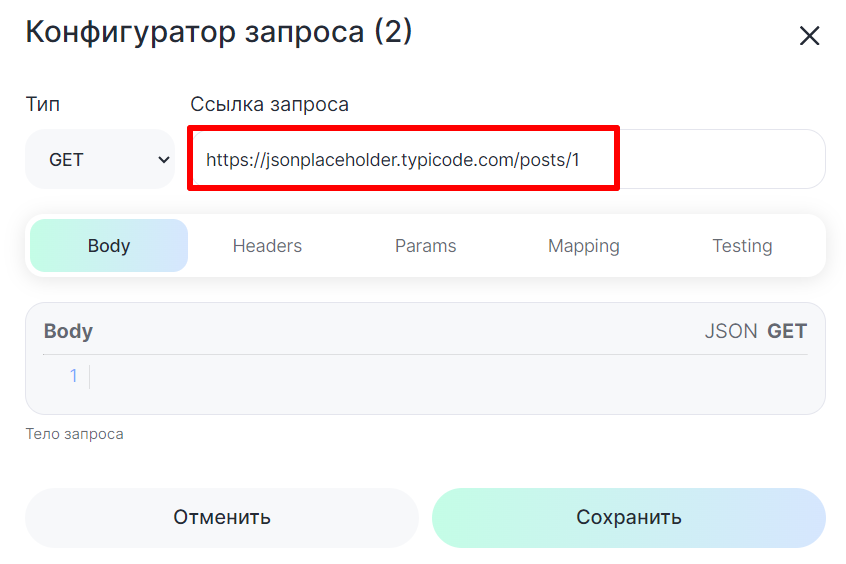
 5. Select the type of request.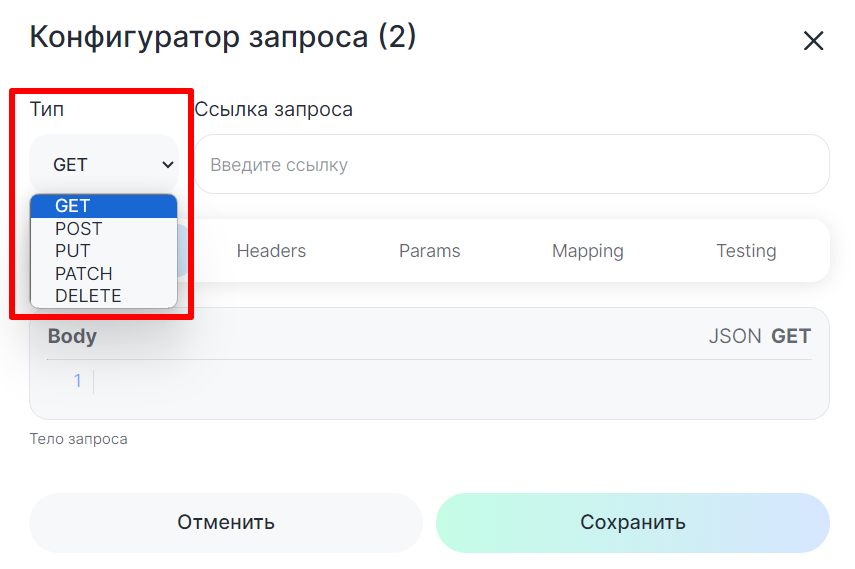
- GET — obtaining a resource;
- POST — data transfer, resource creation;
- PUT — complete resource update;
- PATCH — partial resource update;
- DELETE — resource removal.
6. Add the body of the request in JSON format in the “Body” tab. 
Example of a request:
{
“params”: {
“chat_id”: {{id_chat}},
“context_id”: 1,
“messenger_type”: “{{messenger_type}}”
}
}
 7. Add headers in the “Headers” tab and parameters in the “Params” tab. To do this, enter titles in the “Keys” field and values in the “Values” field. You can use variables.

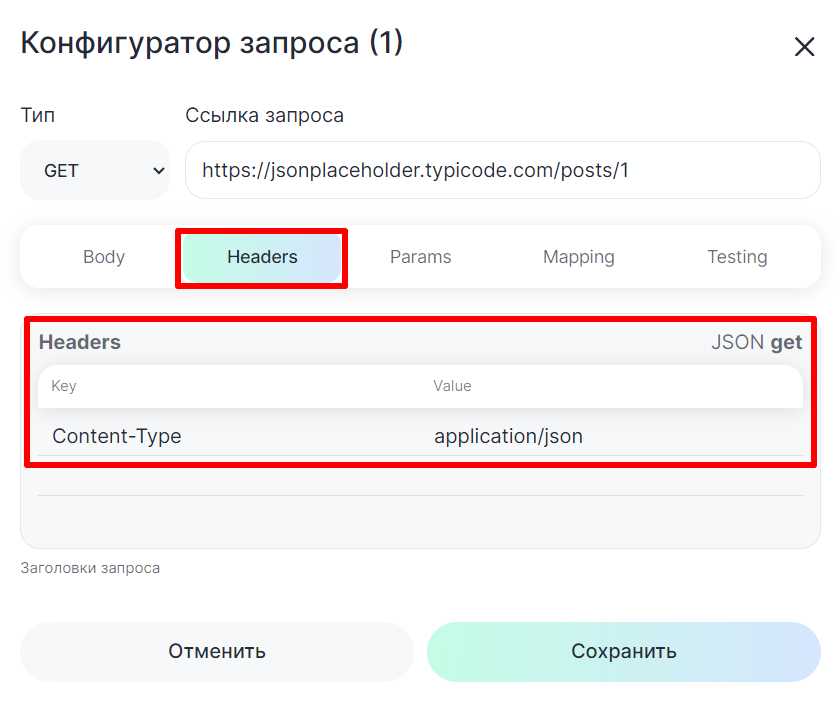
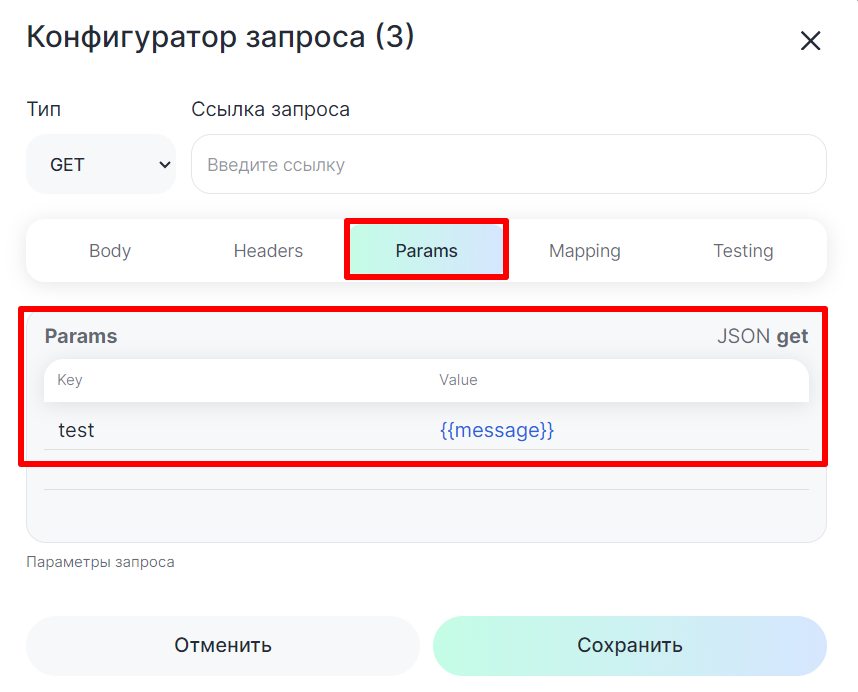
8. To submit a test request and receive the result, click “Submit test request” in the “Testing” tab.
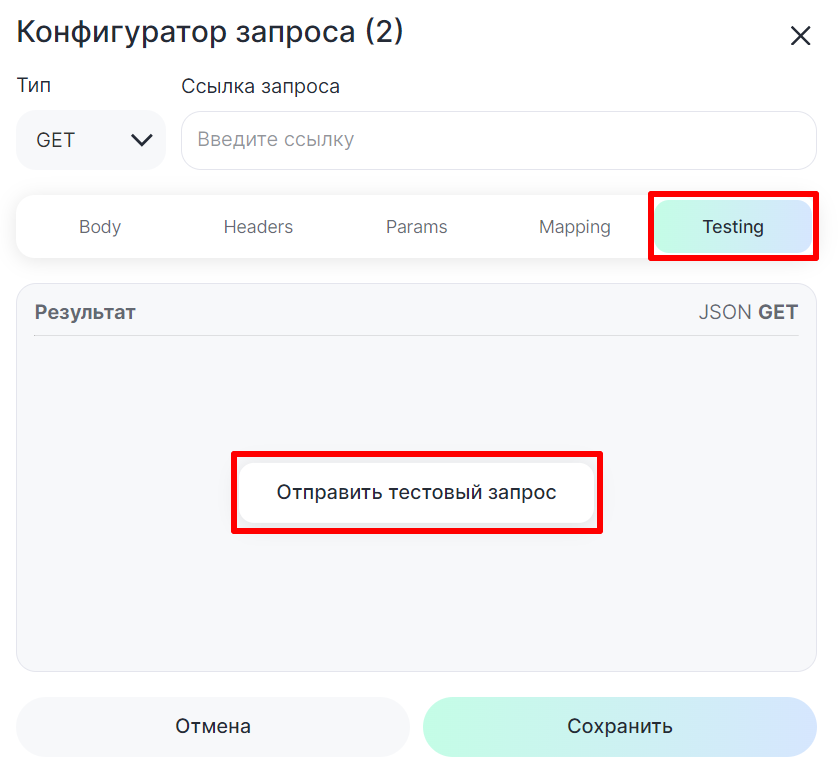
The response in JSON format will be displayed in the “Result” field.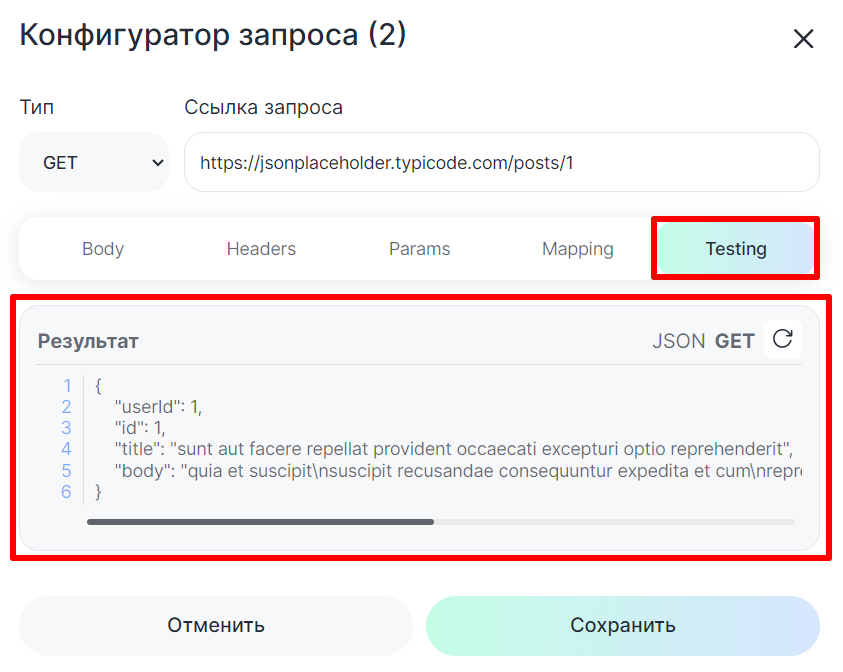
If the request body contains an error, the result will be the “Your request body is invalid json” notice.

 Чтобы отправить запрос повторно, нажмите кнопку
 .
.

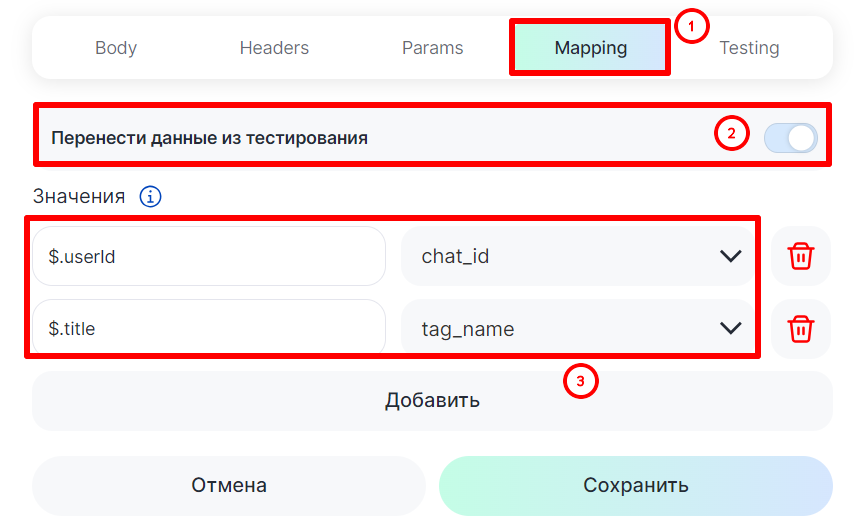
9. To save the query result to variables, in the “Mapping” tab, click “Pass from Testing” and select the desired variables for each value. If the value does not need to be saved to a variable, leave the field for the variable empty.
Or enter values manually in the format “$.value”. For example, “$.title”.

You can also see the result of the query in the result of the “data” block. For detailed instructions, see the article Block results.
10. When you have finished configuring the block, click “Save”.
Script example
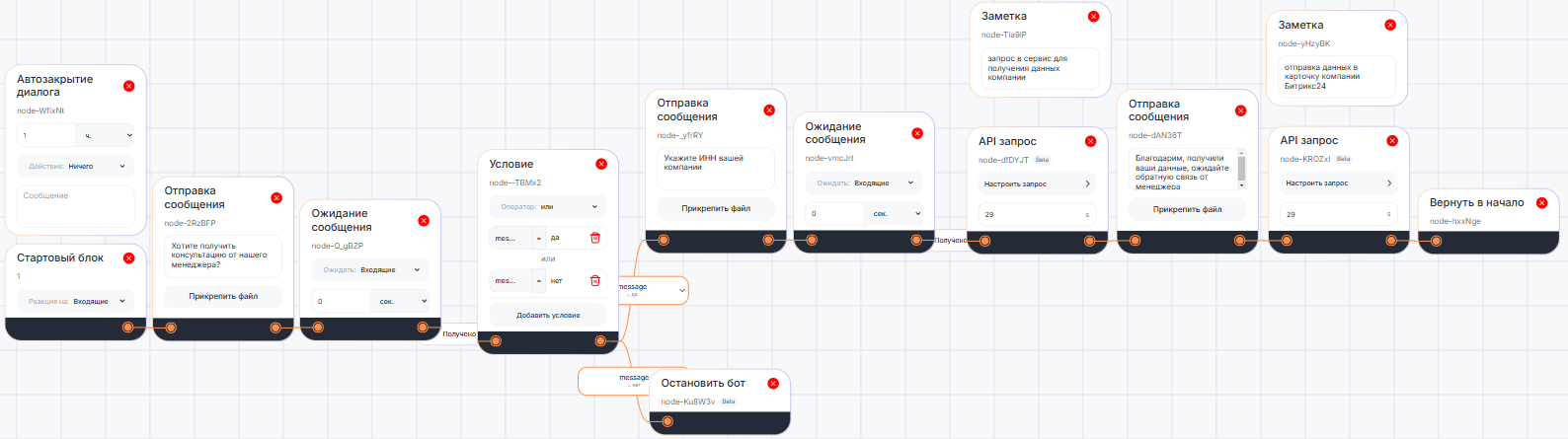
A block may be needed, for example, for the sales department – the bot in a dialog with a client will request the company’s tax identification number, the “API request” block will send the result to the service of automatic verification of company details and enter the data into the Bitrix24 company card.