

There are two types of scripts in the editor — for dialogue with the client and for accepting webhook requests. The type of script depends on whether it starts from the start block or from the webhook request block.
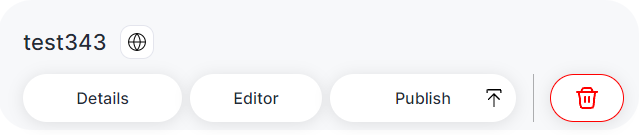
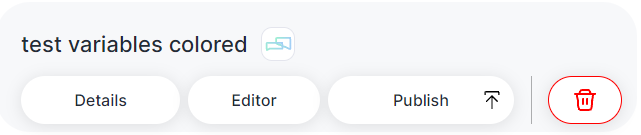
The type of script is displayed as an icon next to its name:


It is not possible to use the "Start block" at the same time as the "Incoming webhook" block. But you can publish 2 separate scripts: Dialog for communicating with the client and Hook for handling webhook requests.
Dialog script
This script starts from the start block and is used to respond to the user when they write to you first.

In one bot, only one Dialog script can be published at once.
Script for handling webhook requests
This script starts with the "Incoming webhook" block and is used to run a script when an incoming webhook is received, for example from a CRM system.
In the script for handling webhook requests, you can be the first to start a dialog with the client.
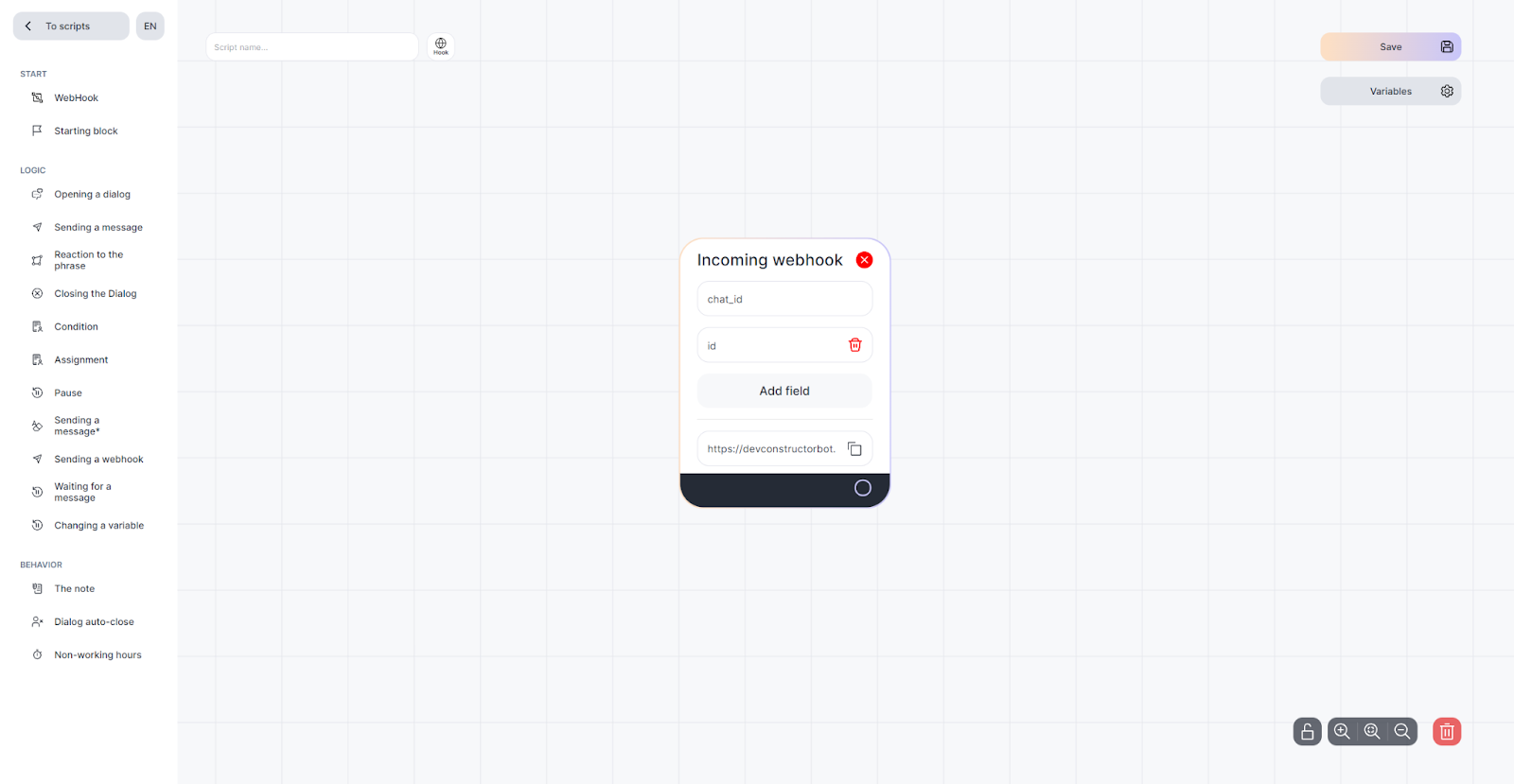
If the "Hook" script has ended, the dialog script will start after the next message from the client.
This script has a limit of 20,000 incoming webhooks per day. When you have reached the limit, it will not be possible to receive incoming webhooks for the rest of the day. The next day, the counter will be updated. If the script is published, the remaining number of incoming webhooks is displayed in the editor.

In one bot, only one incoming webhook script can be published at once.
