

The main reasons for blocking WhatsApp Cloud API:
1. Violation of the WhatsApp usage policy. Strict compliance with the rules of messaging is required. Learn more.
2. Sending spam, fraudulent messages (SCAM) and mass mailings without the consent of the recipients.
3. Receiving complaints from users may lead to the account being blocked.
4. Communication that does not correspond to the business category specified during registration.
5. Prohibited categories and discussion topics. The full list is available here.
How to check account status
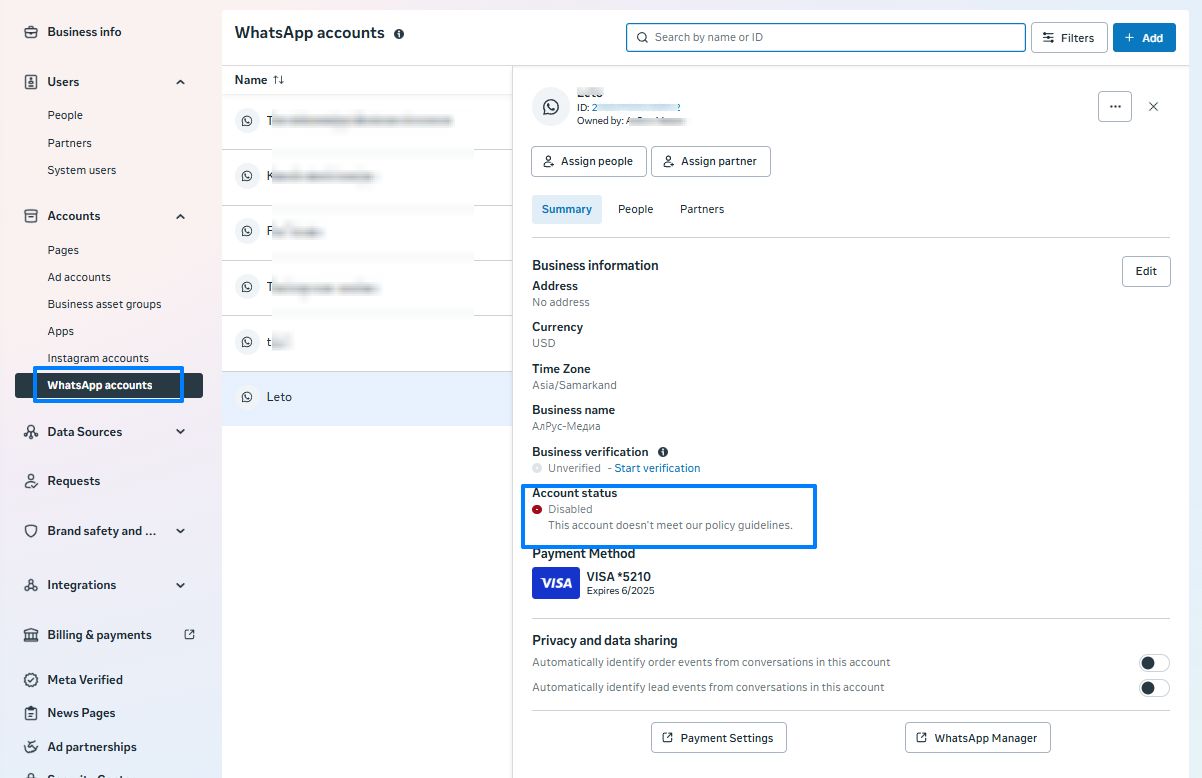
If the account is blocked, it will be “Disabled” in the company settings in the “Accounts” — “WhatsApp Accounts” — “Account name” — “Account status” section.
How to file an appeal
- Go to WhatsApp Manager.
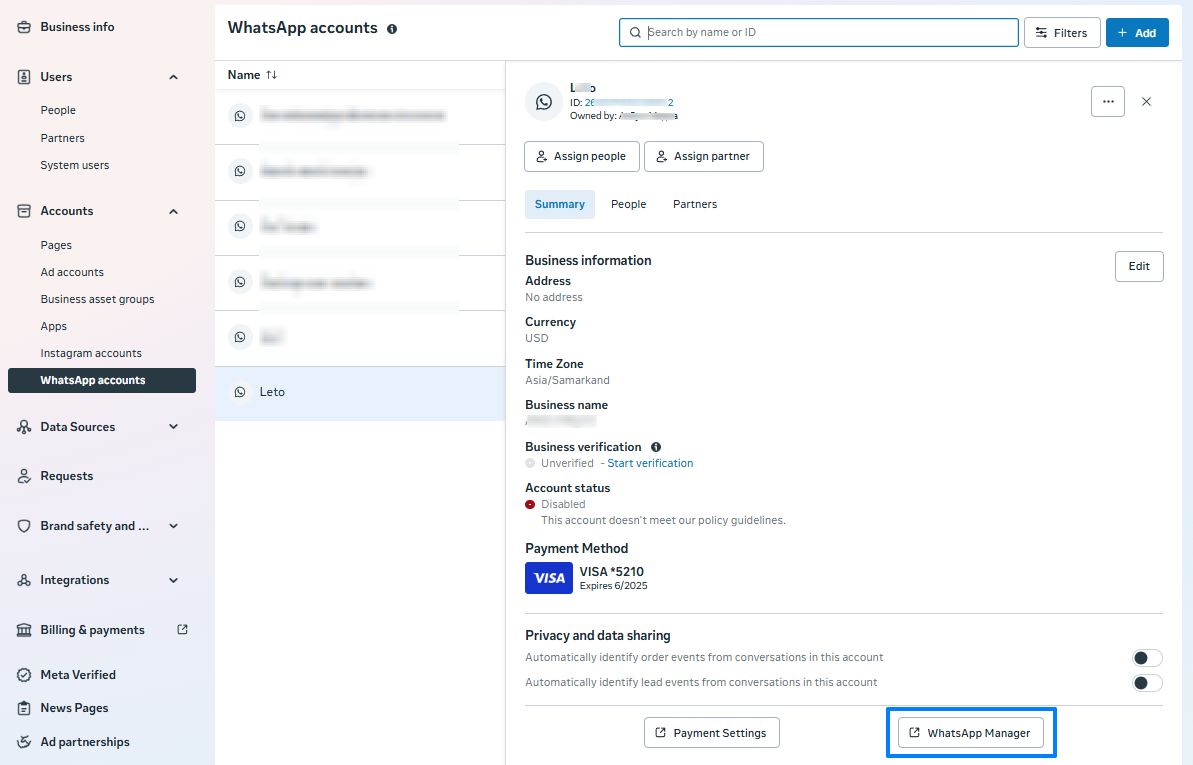
- Go to the “Company Support Center”.

- Click “Request” or “Contact Customer Support”.
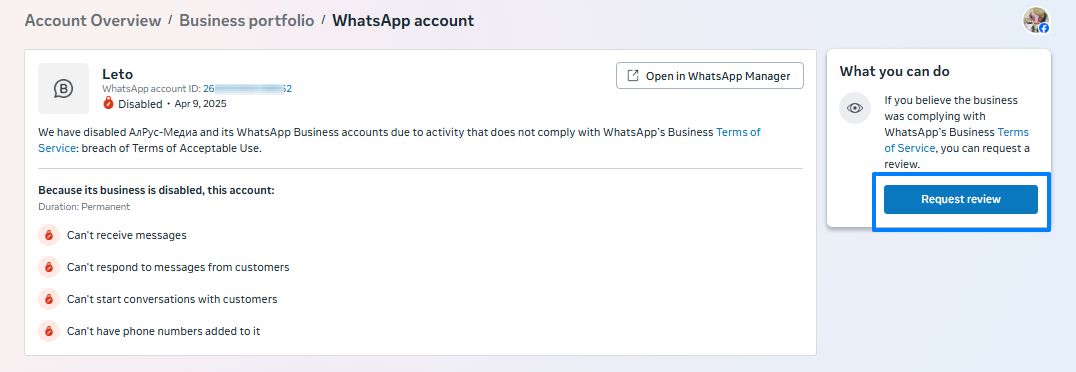
In the window that opens, enter the text:
Dear Facebook Team!
From (company name) we are contacting you with a request to remove the account lock. WhatsApp is an important tool for business and communication with customers for us. Blocking interferes with work.
We use WABA for (the purpose of use).
We want to assure you that our company does not violate the rules of the platform and does not take political positions. We focus on high-quality customer services and do not discriminate. We value every person and provide professional support regardless of gender, race, nationality or religion.
We appreciate your contribution to the development of human relations through messenger and are grateful for your work.
The official website of the company: (your website).
We hope to remove the account lock.
If Meta does not provide a response after 48 hours, follow the link.
Open the ticket directly in Meta. We also want to point out that direct Meta support is not available to all users.
