Messenger Integration with 1C via ChatApp

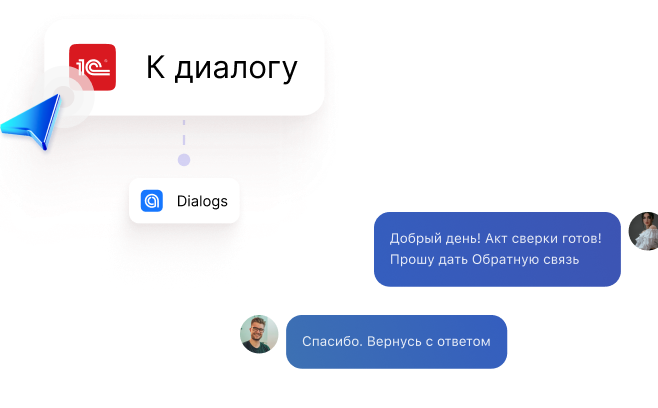
Message your counterparty first directly from the 1C interface. Transfer a dialog to the right employee. Receive notifications about document status changes right from the chat

Try for free First 3 days all services are free — no limitations
Sound familiar?

Too many interfaces

You used to have to find a phone number in 1C, copy it, open a messenger, then search for the chat

Payment confusion

Our clients are special. They might pay 60 instead of 600. They issue an invoice to one entity but pay from another. Without a call or message — it's impossible to sort out

Time wasted clarifying

To pass a counterparty's question to colleagues, you have to write an email, wait for confirmation, and then keep asking: "is it done yet?"

Delayed responses

It's hard to work with files when a counterparty doesn't check their email in time

Now you can contact a counterparty in 1 click

Instant contact initiation

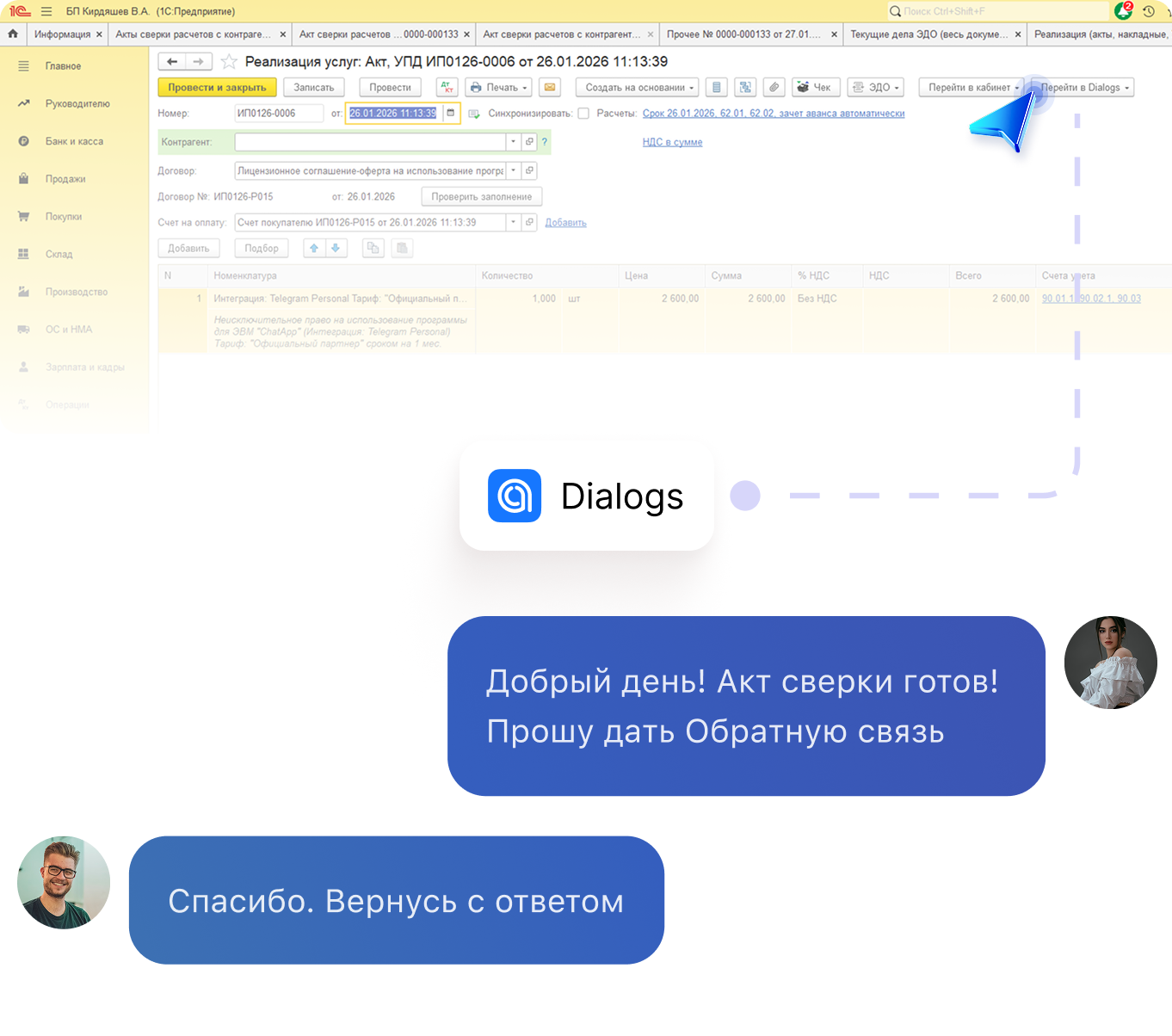
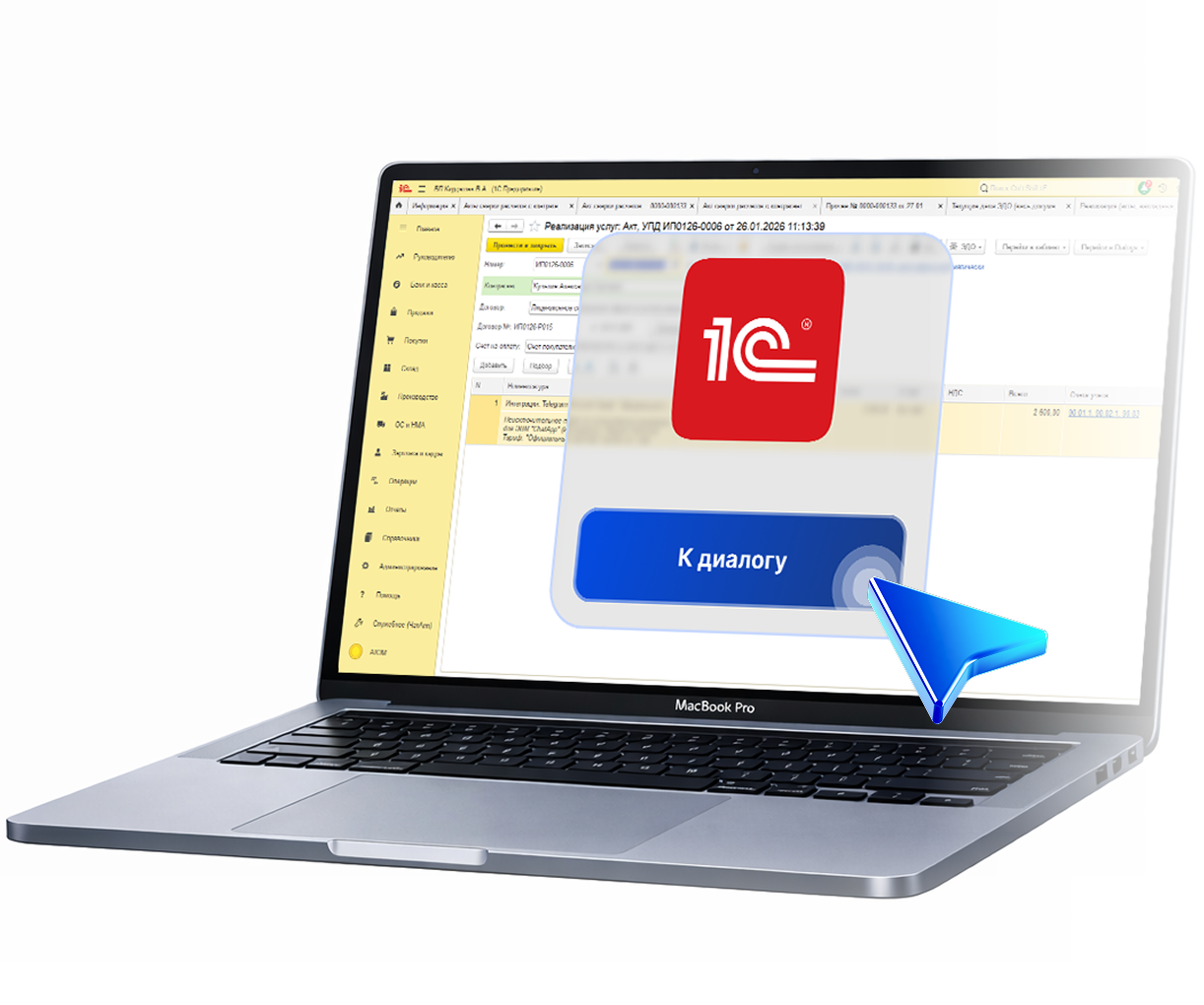
Just press a button in the Sales Order. And you're already in a dialog with the client. The contact is pulled automatically, the right messenger is detected automatically. Just thinking about it is a relief

Easy way to start communicating with clients. How it works

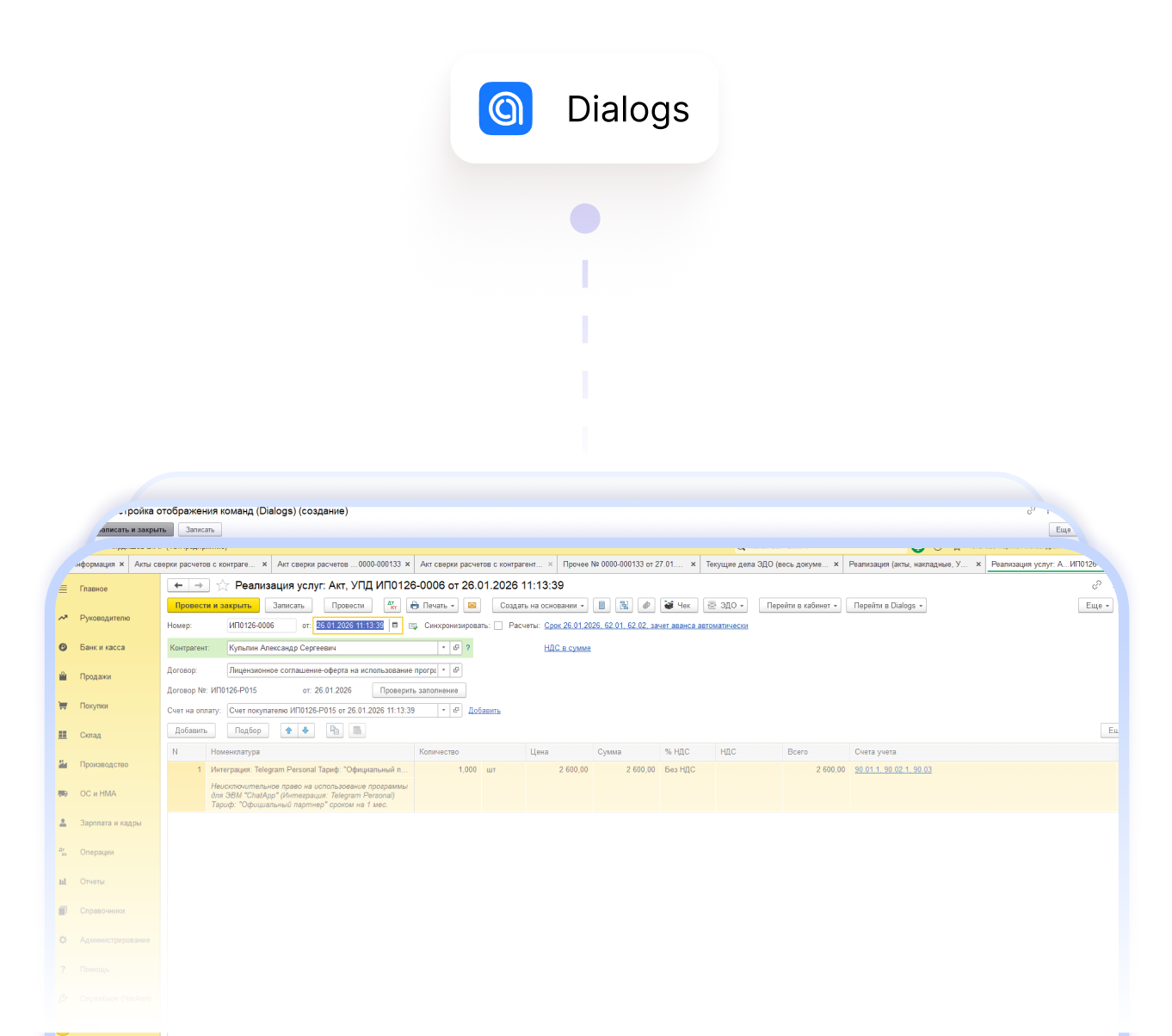
  • We place the "Dialog" button exactly where your team needs it: in the counterparty card, in the Sales Order, Invoice, or Purchase Order document, etc.
  • You click it. The system automatically retrieves the contact from the organization's details in 1C
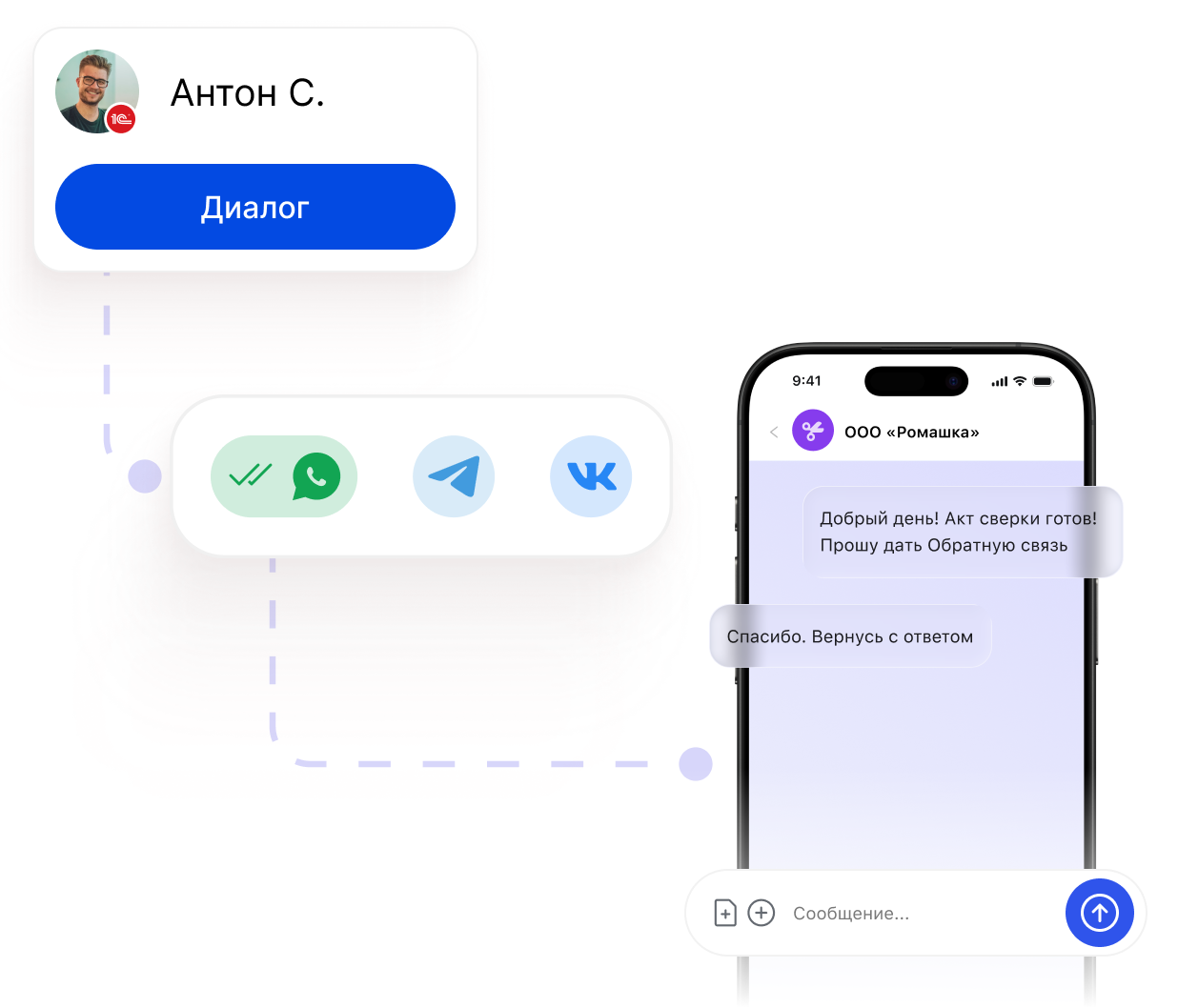
  • ChatApp identifies which messenger (WhatsApp, Telegram, VK) was previously used with this client, or prompts you to choose
  • You're in the chat. Write, send files, clarify details. All in one window, no switching

Which messengers and channels can you write to from 1C?

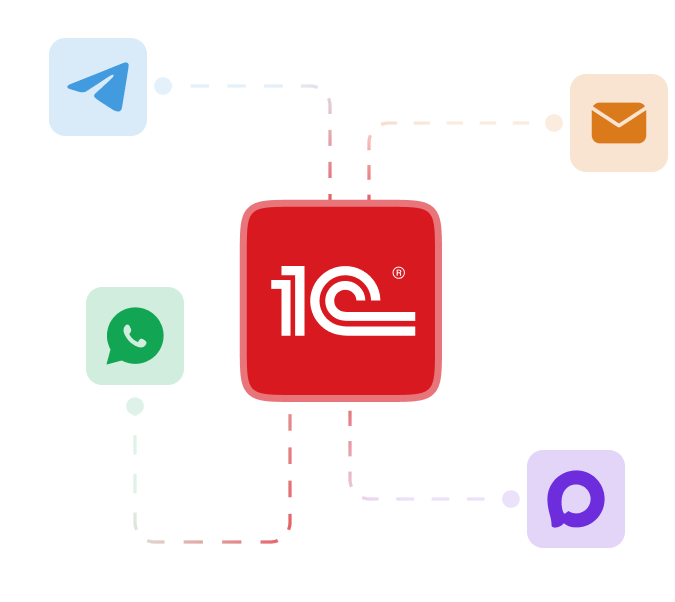
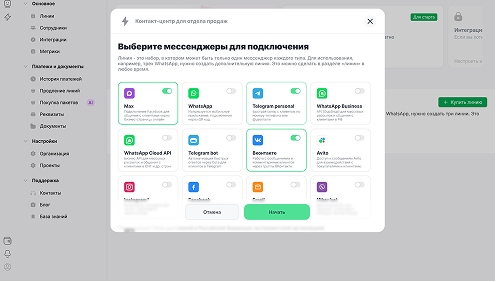
From 1C you can instantly start a dialog with a client by phone number or email. The system will suggest where to write — email, Max, WhatsApp, or Telegram

We'll add the "Go to Dialog" button to your 1C in 15 minutes

Communicate with clients from 1C in one click. No switching, with full dialog history. Stop wasting time searching for contacts in messengers — invest your resources in what matters

Who is this setup for?

For everyone who needs to communicate quickly without leaving 1C

For accountants

For them, the client is an "external counterparty" with whom payment details and documents need to be quickly aligned

For sales managers

They guide clients from inquiry to deal and need to respond quickly to requests and changes

For the procurement department

They regularly communicate with suppliers, and fast contact is critical for maintaining relationships and securing terms

For internal team communication

Teams systematically exchange documents between departments to confirm document status at every level

What additional features does the solution provide?

Dialog reassignment

Approved a document in one department — pass it to another right away. Returned? Assign a different employee

Communication transparency

All communication with a counterparty will be visible to all relevant parties

File sharing

Effortlessly exchange documents without leaving your work environment

Mobile app

Your work interface is always at hand — on your mobile phone

What additional features does the solution provide?

STEP #1

Registration

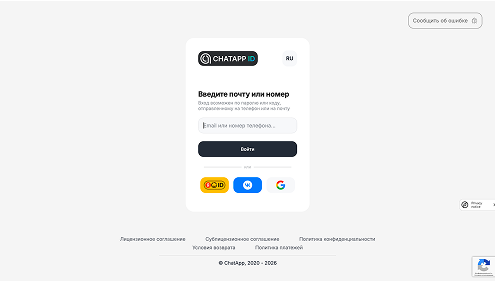
Register in the ChatApp Personal Account

STEP #2

Messengers

Add the channels you want to use to message clients — Instructions

STEP #3

Extension

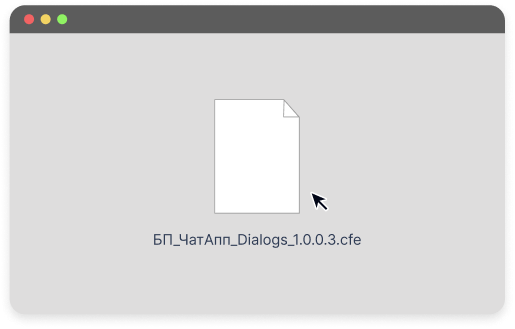
Download the 1C extension — Here

STEP #4

Work environment

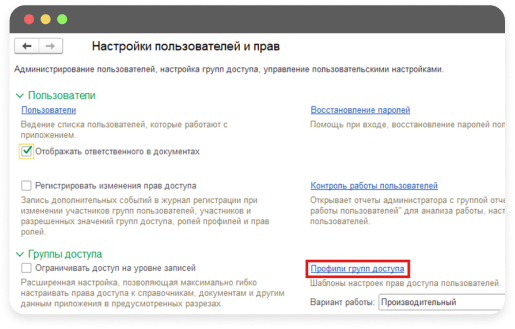
Configure roles and access rights in your 1C environment following the instructions

STEP #5

Configuration

Customize for any 1C configuration

STEP #6

Done!

You can now communicate with counterparties directly from 1C

Technical support works in chats 24/7:

Telegram WhatsApp

Use our Knowledge Base or leave a request and we will contact you soon.

Knowledge base