Export of contacts from Leads may be required when deal cards with individual contacts were not created separately.
Warning
To add contacts to Telegram without restrictions, you need a smartphone with an android system of at least 4.4.
Export contacts
- Go to the Bitrix24 platform and open Leads. Switch the display type to “List” and open the settings (gear).
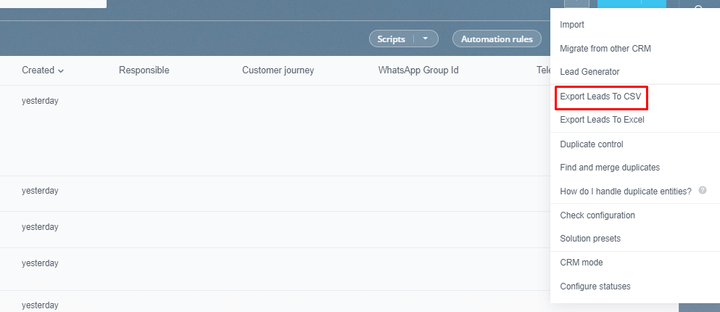
- Select “Export leads to CSV” from the drop-down list.
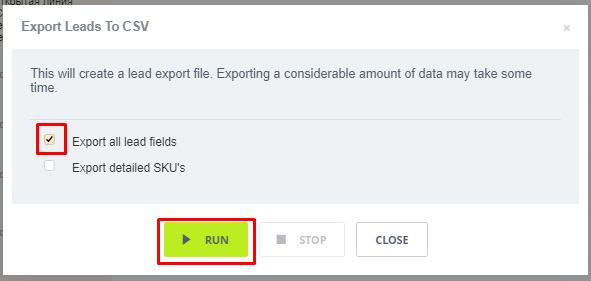
- In the pop-up window, check the box next to “Export all lead fields” and click on the “Run” button.
- Download the generated file and transfer it to the memory of the smartphone on the android system in any convenient way.
Thus, a document is formed with a database of contacts from Leads.
Transfer contacts to Telegram
For this operation, you will need a smartphone with Android 4.4 or higher.
- Go to PlayMarket on your mobile device and download the “CSV To Contacts” app.
- Open the “CSV To Contacts” app and select the CSV file you downloaded earlier.
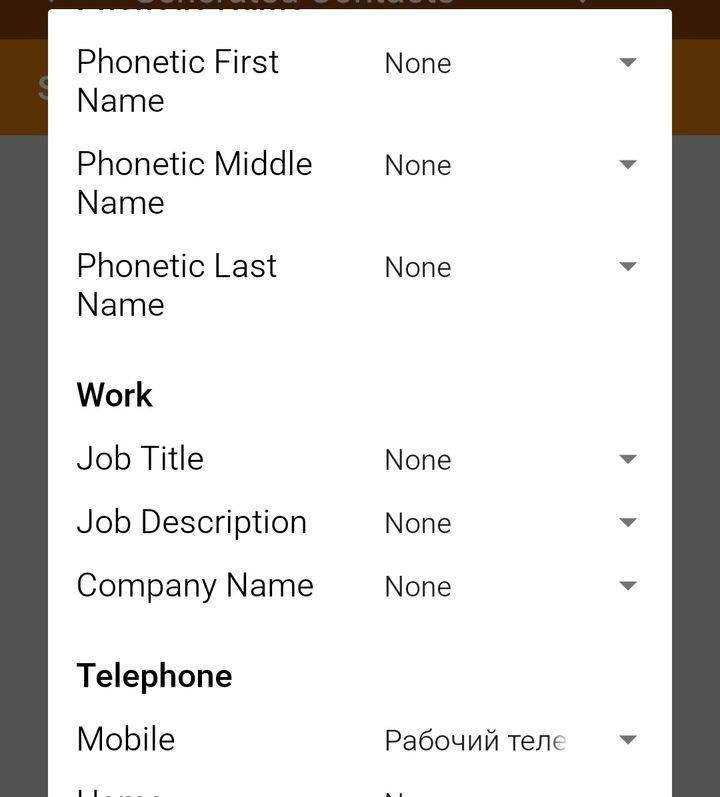
- Map the contact data fields from the application graphs to the file graphs.
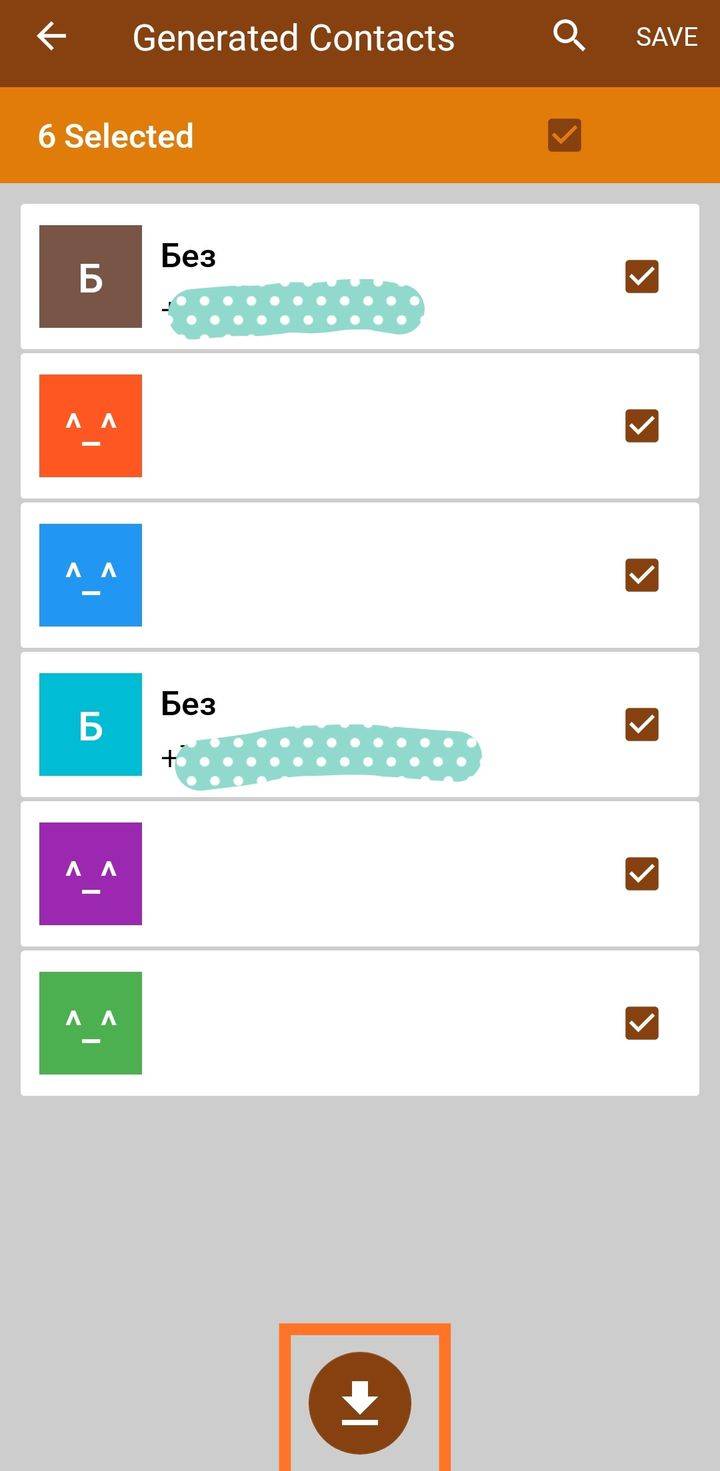
- After that, select contacts from the list to transfer and click on the round “Upload” button.