



Communicating with clients in Dialogs.pro, you may need to add clarifying comments directly in the dialog. This can help, for example, not to forget important details of a client’s question, or to ease the work of the employee to whom you transfer the dialog.
In Dialogs.pro you can write internal messages inside the dialog window. In this case, the user will not receive these messages – they are visible only to you and other employees
How to send an internal message
1. In Dialogs.pro, go to the dialog you want to send a message to;

2. Add a “/” character to the empty message input field;

3. Enter the commentary right after the “/”
4. Click “Send.”
Done! You have left an internal message addressed to employees and not sent to a user.
How an employee sees it in Dialogs.pro:
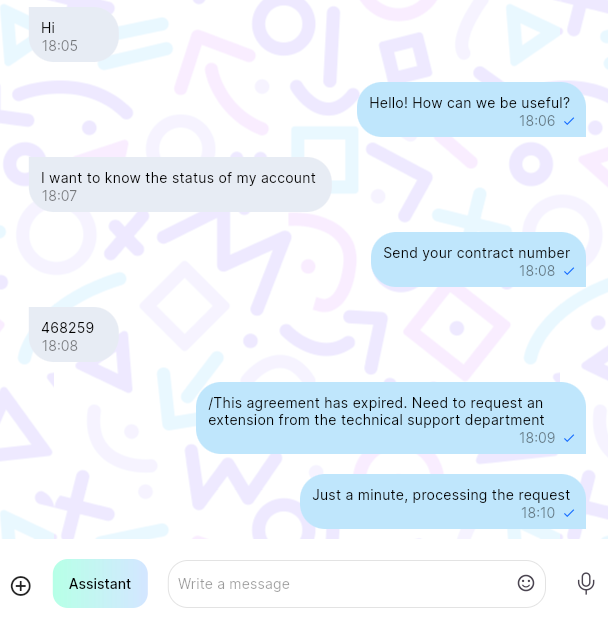
How the user sees it (Example from Telegram messenger):

