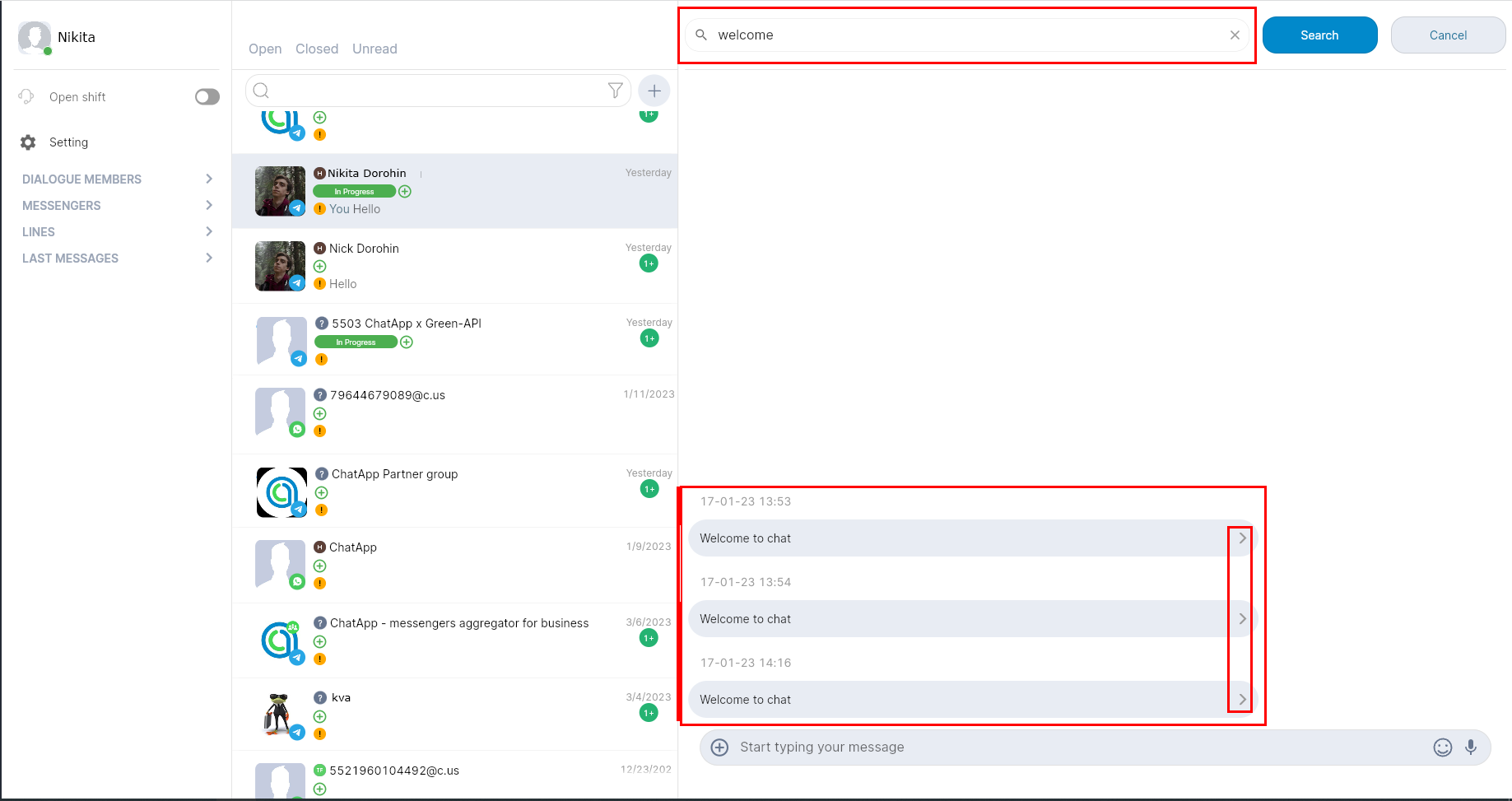
Search can be used to find the desired conversation and message in the conversation with the client.
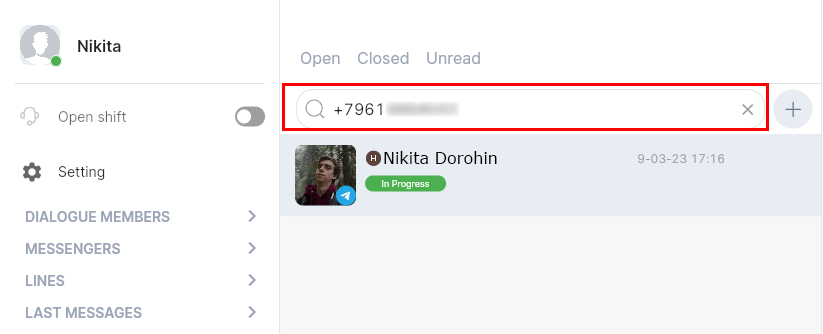
You can find the desired dialogue:
- By username in ChatApp Dialog
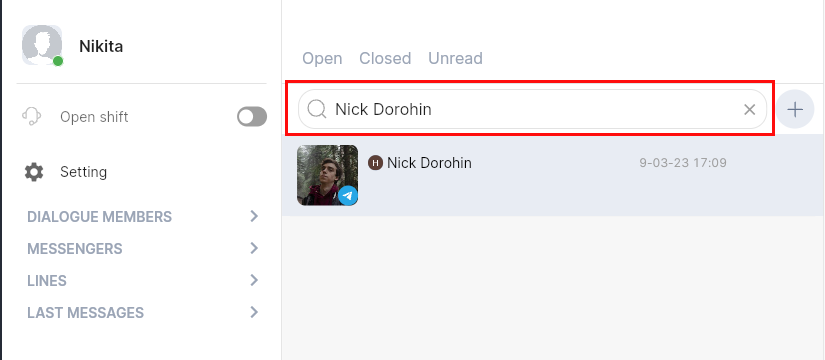
- By username in Telegram

- By phone number
The message can be found by text, inside the dialog.
1. Select the Search in Dialog function.

2. A search field will open.
3. Enter part or all of the message you want to find.
4. Click search.
5. To go to messages in a conversation, tap > next to the found message.