




Adding Channels to a Line
If a required communication channel was not purchased when the line was created, there is no need to create a separate line.
Missing channels can be added to an existing line in the ChatApp personal account.
How to Add a Channel
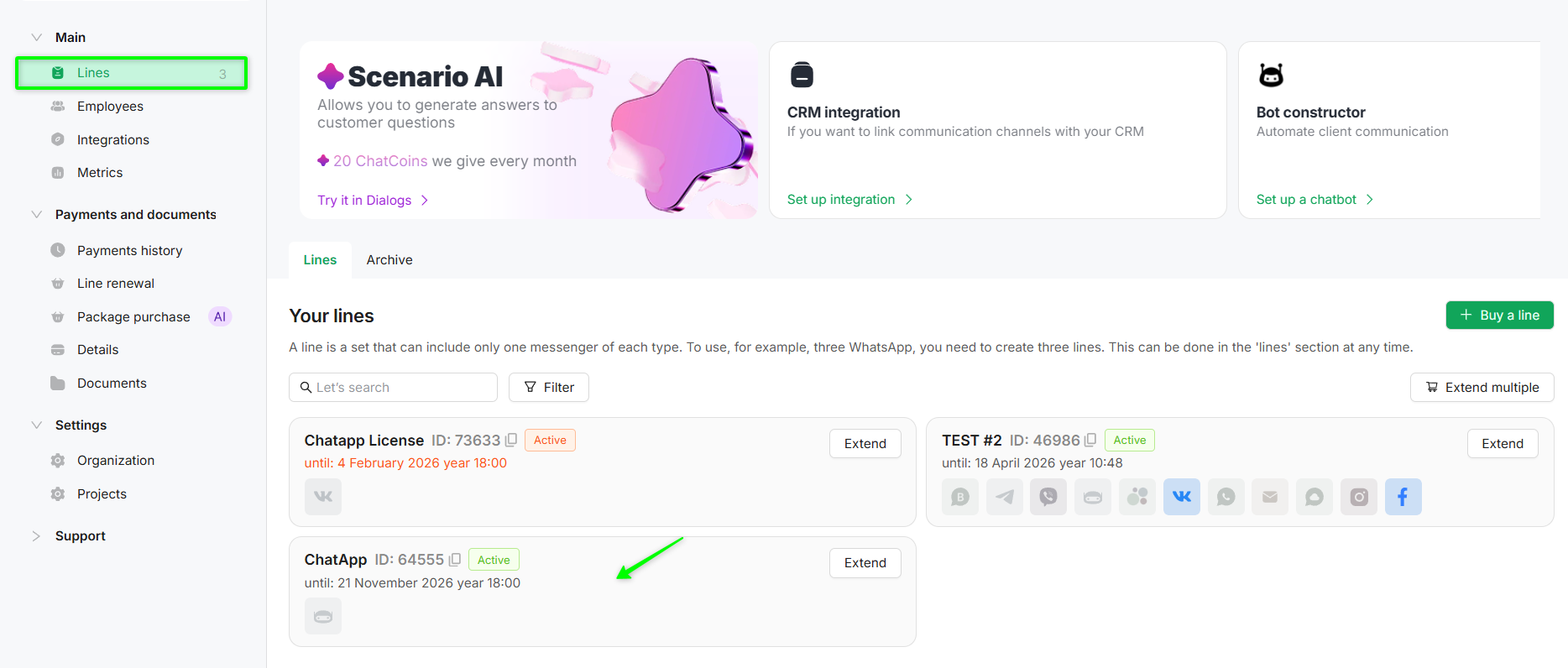
1. Go to the «Lines» section of the required project.
2. Select the line to which you want to add a channel.
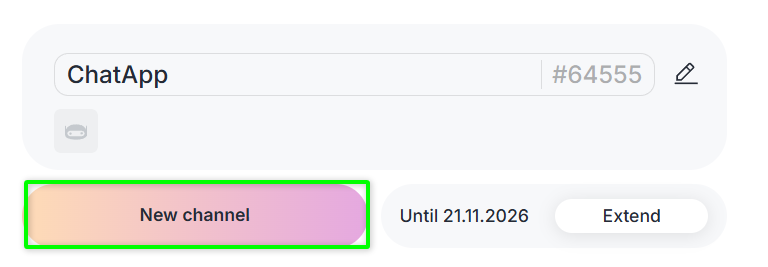
3. Click the «New channel» button.
4. In the opened section, select the communication channels you want to add.
5. Click «Done», then «Next», and proceed to order payment.
You can completely replace the channel configuration of a line no later than 5 days before its expiration date.
Adding channels is available if there are more than 10 days remaining before the line expires.
If there are 10 days or less remaining before the line expires, adding channels is not available.
You can learn more about payment methods and receiving invoicing documents in the article «Payment Methods and Invoicing».
