




Installing the app
ChatApp integrates messengers and communication services into Bitrix24. Thanks to this integration, many communication methods become accessible and much more convenient to use directly from the CRM system.
1. Go to the Bitrix24 portal and log in to your workspace.
2. In the left menu, select “Applications” — “Marketplace”.
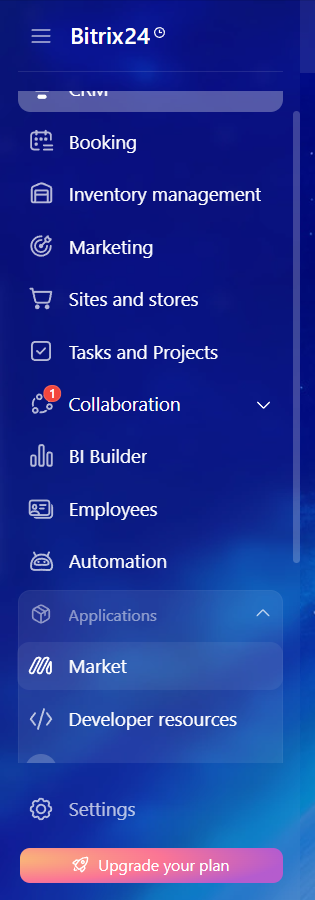
3. In the search bar, type “ChatApp” and find the application.

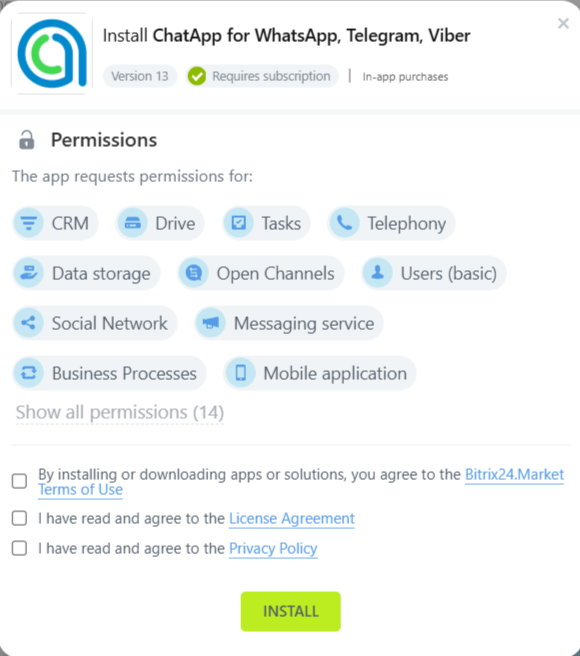
4. On the application page, click “Install”.

5. Read license agreement And privacy policy, check the consent boxes and click Install.
6. Select “Applications” — “ChatApp” in the left menu of Bitrix24.
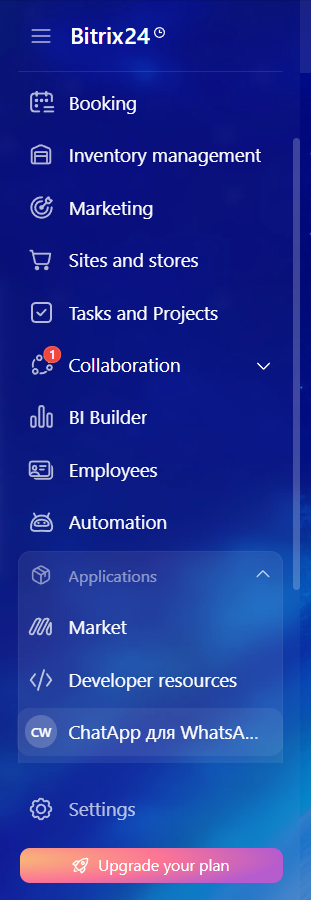
7. Click “Connect ChatApp”.

8. Enter your ChatApp login details and click Login.
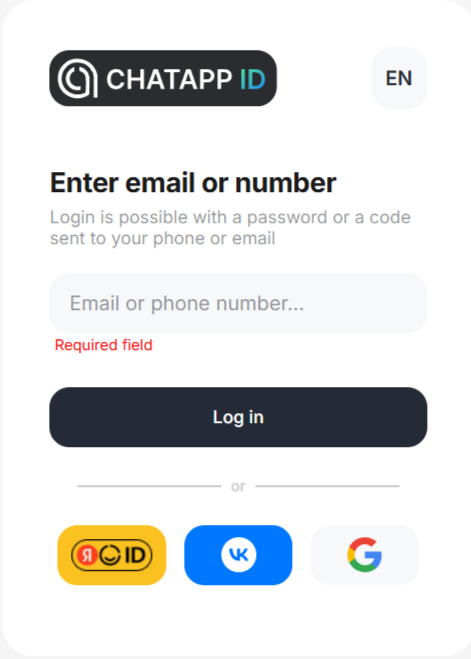
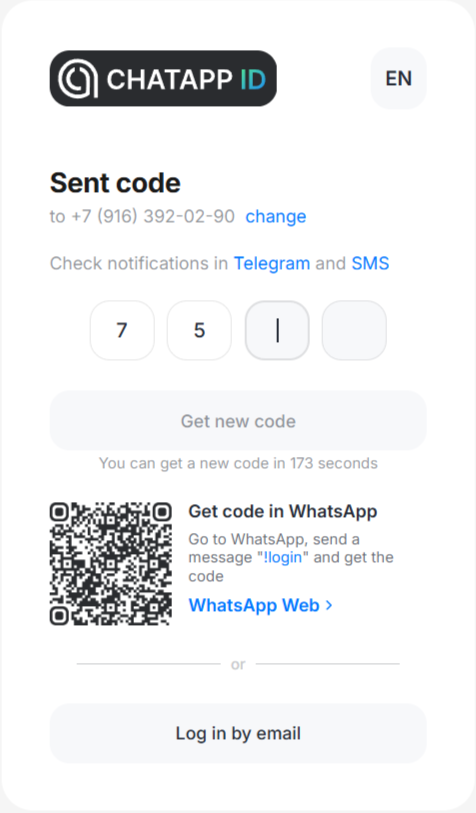
9. Confirm your login using the code from your email or Telegram.
To continue working with the service, you need to connect ChatApp channels to Bitrix24 Open Line. Learn how to do this in the article “Connecting channels“.
