

With the help of the bot constructor, you can forget about creating tasks in CRM systems manually. The “Create CRM Task” block allows you to automate this process by completely transferring it to the bot.
The block is able to create tasks in the following systems:
- amoCRM;
- Bitrix24.
Creating a task in CRM using a block
Before using the “Create CRM Task” block, you need to link a company to the CRM system. Then, follow these steps:
1. Go to the bot constructor;
2. Take the “Create a CRM Task” block from the left menu and drop it on the workspace;
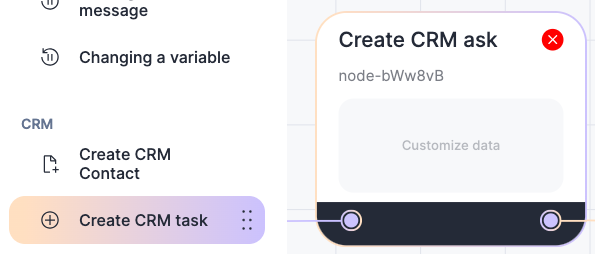
3. Click on “Customize data”;
4. Enter your details in the pop-up window;
Important:
- Each field can be written with variables;
- You can select a project and an employee from the list who is added to your CRM. Your CRM displays a maximum of 500 employees;
- The time by which the task should be completed can be entered manually or use the
 button to assign a specific day and time;
 - In the “Link to CRM object” section, select what type of card the task is tied to: Lead, Deal, Contact, or Company. One task can be tied to multiple objects.
The scenario will not save if:
- The “Create CRM Task” block stands apart from the scenario;
- A company does not have a linked CRM system.
5. Click “Save”;
6. Save and publish the script.
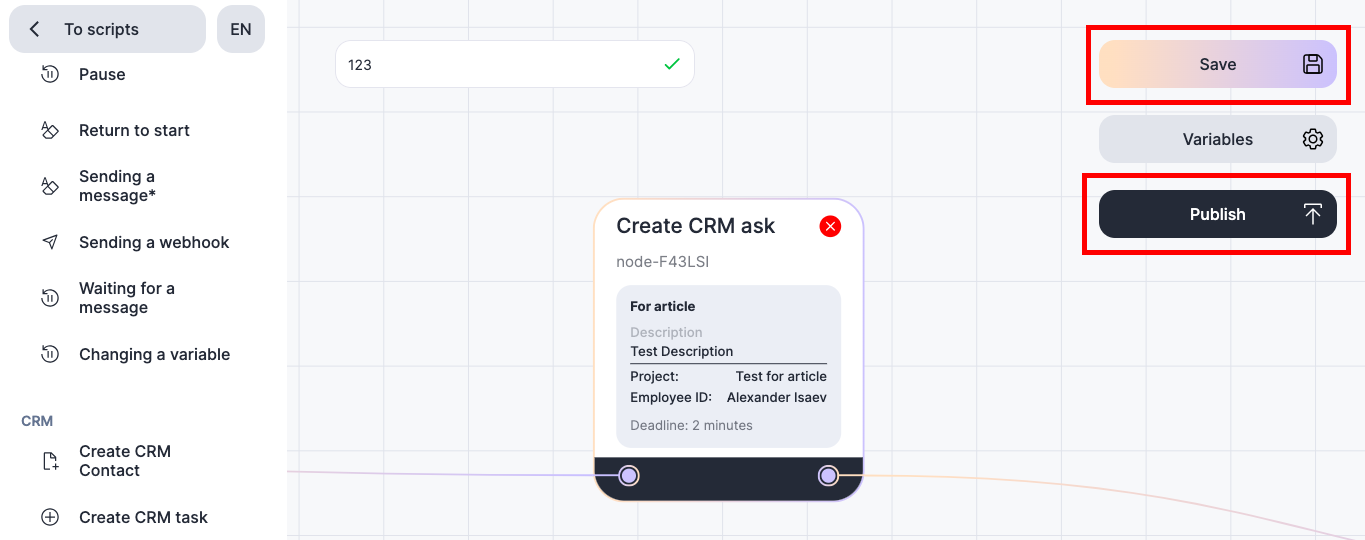
Done! Now, when the scenario reaches this block, a task will be created in the CRM system.
