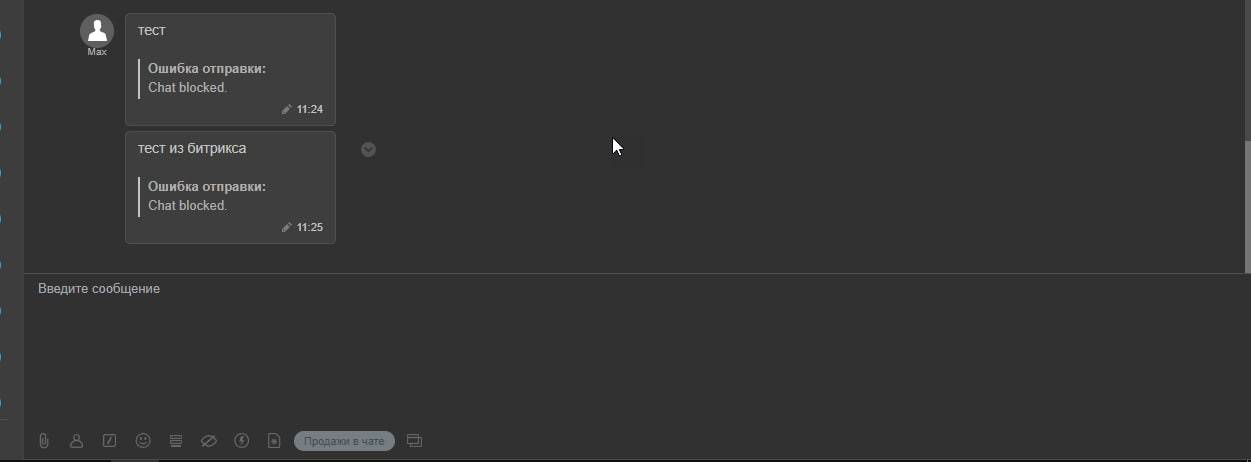
An unwanted dialogue can be blocked and transferred to the BlackList directly from the chats of the Open Lines of the Bitrix24 service.
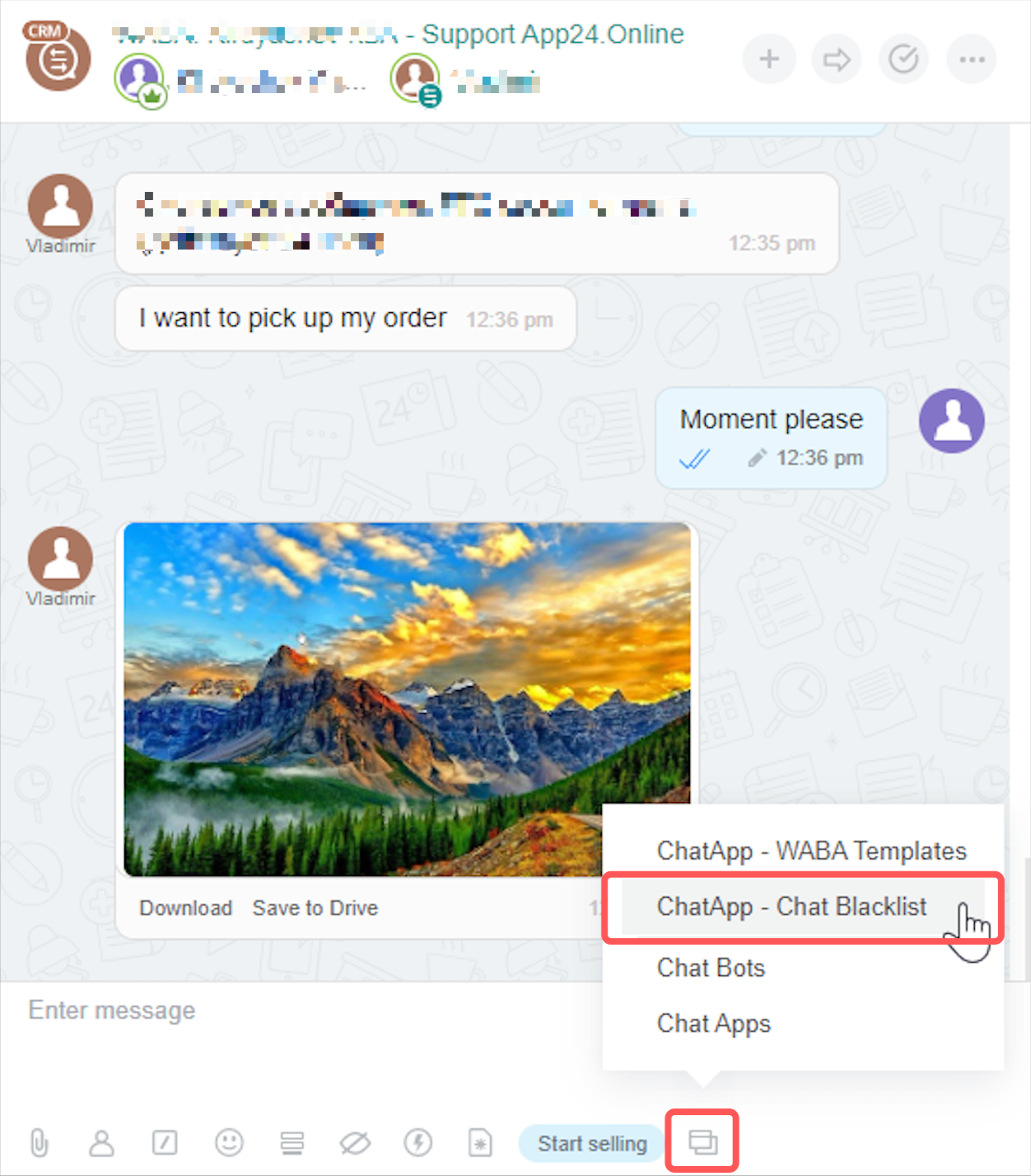
- Go to the Open Line chat that you want to block.
- Open the bottom functional menu and select “ChatApp – Chat Blacklist” from the list. If the item is not in the list, then you need to reinstall the ChatApp application.
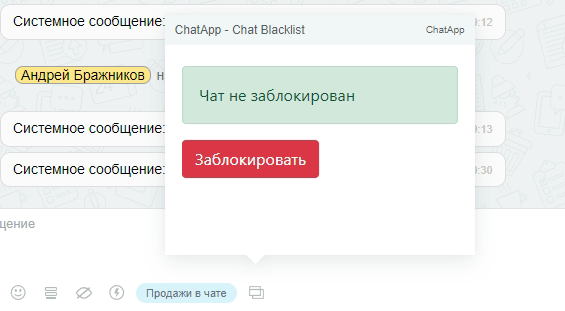
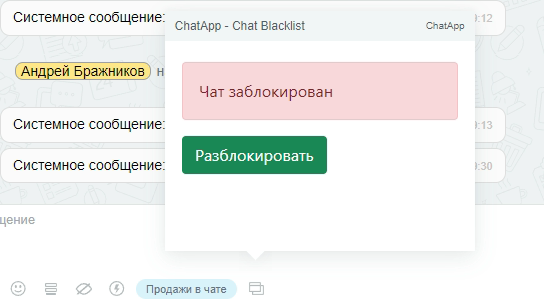
- Then click on the red “Block” button if the chat is Not Blocked or on the green “Unblock” button if the chat is already Blocked.
Note:
Blocking a chat and adding it to the BlackList provides for the inability to receive incoming messages from the Client in the blocked chat.
Outgoing messages are not blocked and the Client will be able to read them, but along with the message, an error will come stating that this chat is Blocked.