

The VK (VKontakte) channel allows you to promptly respond to VK messenger messages, monitor chats and always stay in touch with your customers.
The channel is available in a single ChatApp Dialog window.
Channel connection
1. Go to the Selected сompany section. Click on the line box.
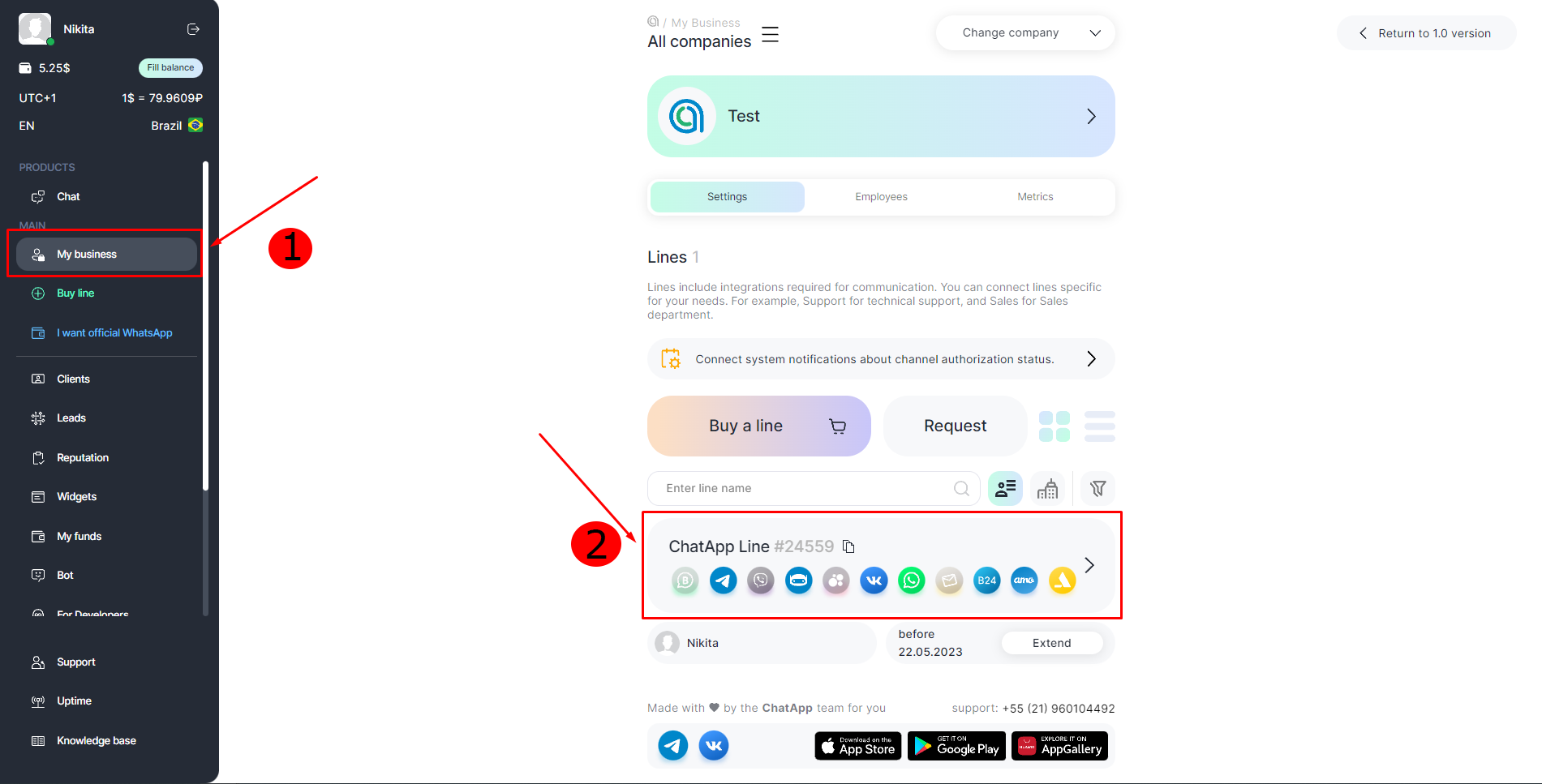
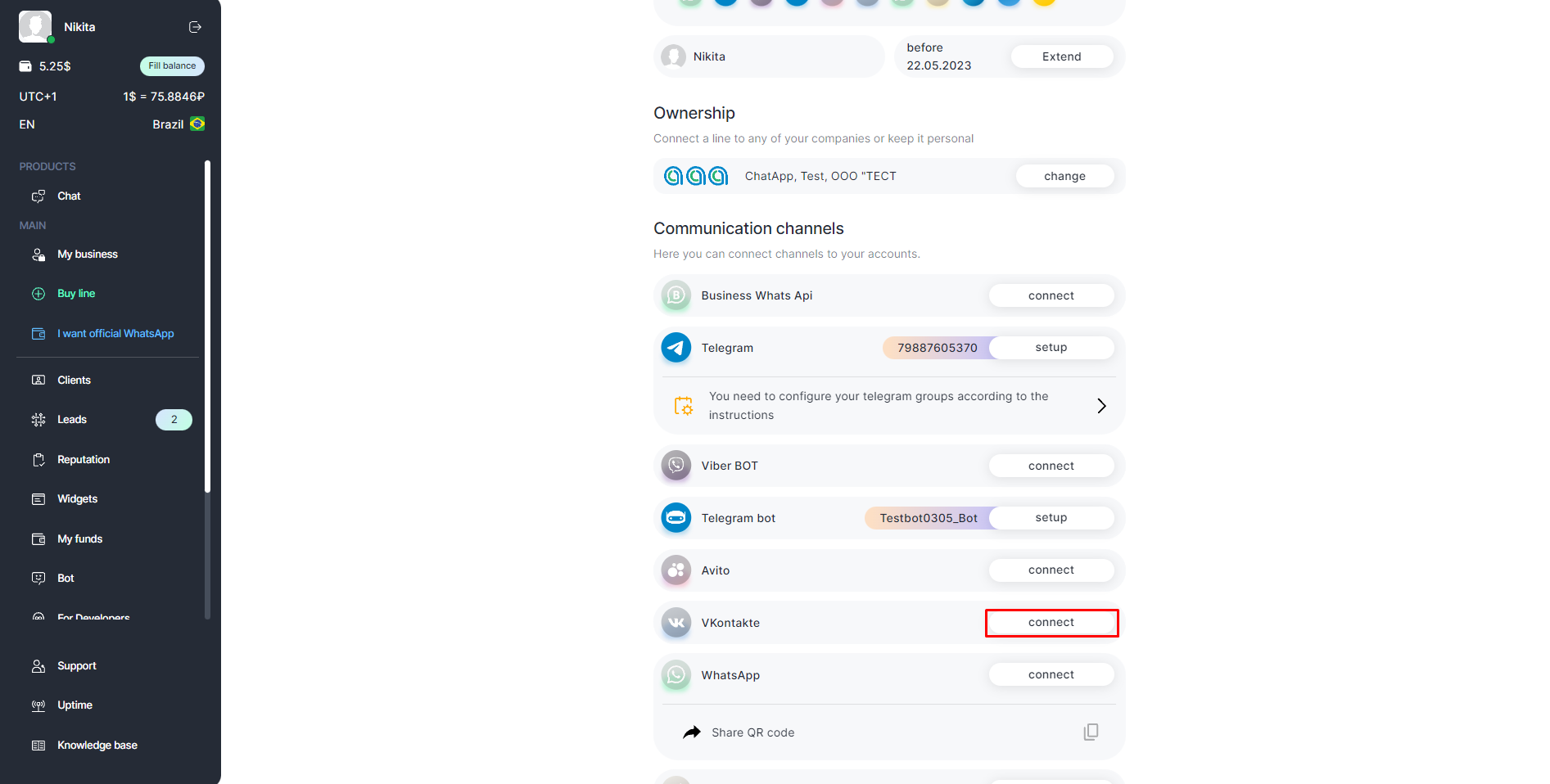
2. Click Connect in front of VK (VKontakte) section.
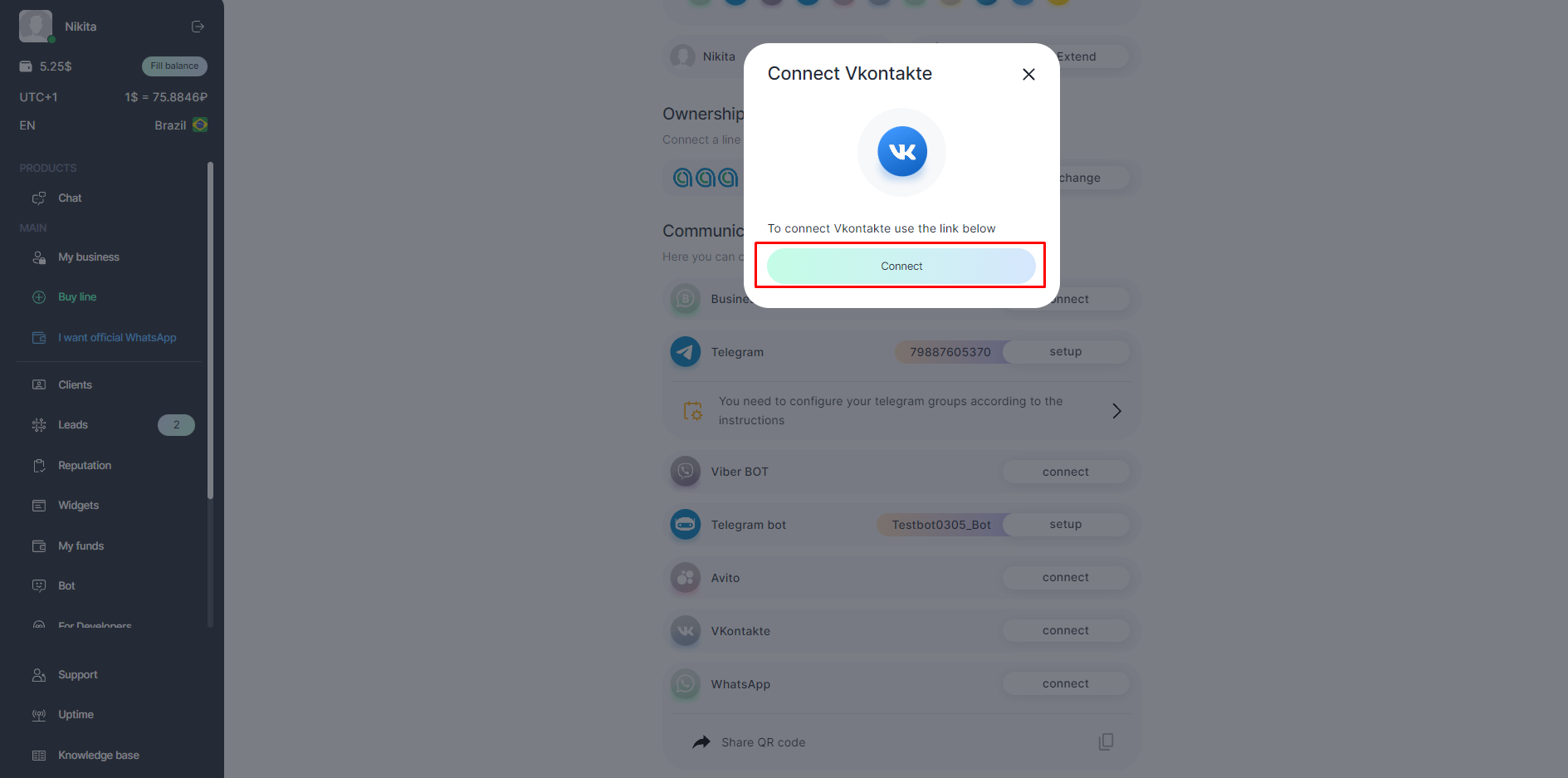
3. Click Connect.
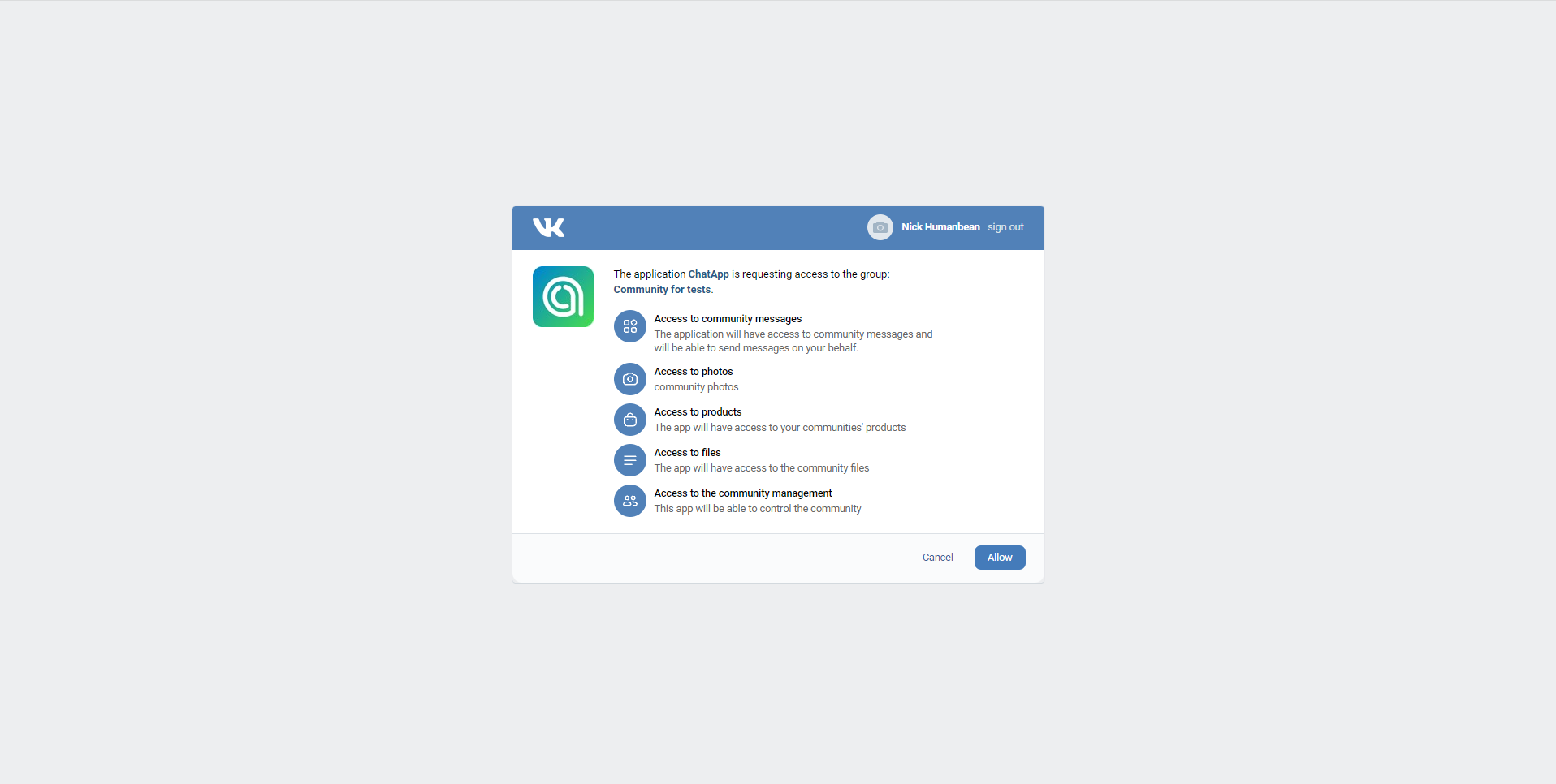
4. After a small load, the page will refresh and the connection settings will open. Here you can see the user’s name, go to the profile via a link and specify the group in which the profile is an administrator.
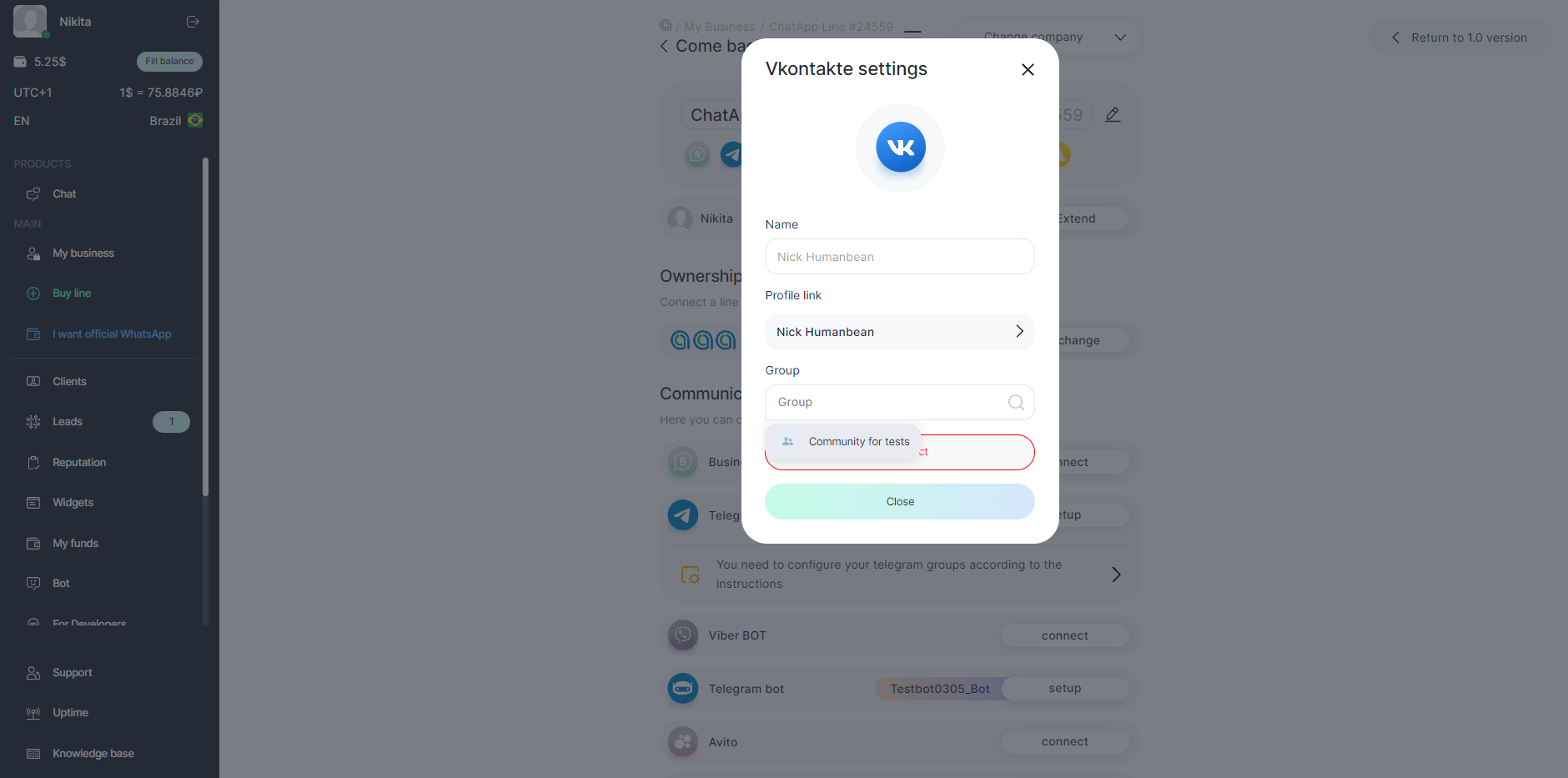
5. Select the group and click Allow.
Advantages of VK-ChatApp connector over standard CRM integration
- Support for comments on posts, products and services;
- Support for quoting incoming messages;
- Reflection in the chat of messages that were sent from the VK (from the account connected to ChatApp);
- Ability to work in a single ChatApp Dialog window;
- Creating a base of Quick Answers;
- Support for ChatApp Quick Replies bot and setting up auto-replies;
- Chat GPT support;
- Contact blacklist management;
- Ability to set labels in chats via ChatApp Dialog.
In amoCRM:
- ChatApp messaging widget available for Salesbot;
- Ability to set labels in ChatApp Dialog via Salesbot;
- Advanced Salesbot customization is available to define message source, channel and line for outbound messages.
Features and limitations of VK messanging
- In this channel, the dialog is initiated by the client;
- The following message types are supported:
- Text messages;
- Audio messages;
- Geolocation;
- Documents and audio files;
- Images.
- The file upload limit is 50 MB.
- Vkontakte comments come to ChatApp Dialog. But when replying in comments via ChatApp Dialog, the answer will come in a private message to the client.
- In Bitrix24, a lead/deal entity is created – comment and private messages in one entity. The comment and a link to the post with it is displayed. The response is sent to the client’s private messages on behalf of the community.
