Connect “ChatApp – Telegram bot Connector” to stay in touch with clients in Bitrix24 open channels.
Benefits of Telegram bot Integration:
- Support for group chats;
- Support for quoting incoming messages;
- Communication from a single messenger window ChatApp Dialog;
- Support for the ChatApp quick response bot and setting up auto-replies;
- Using the Quick Response Database;
- Contact blacklist management;
- Support for ChatApp robots.
Connecting Telegram bot to Bitrix24 CRM
After connecting the Telegram bot channel to your personal account, install the ChatApp application in Bitrix24 through the market.
If you already use integrations of other messengers, in order for the connector to appear in the contact center, you need to reinstall or update the application.
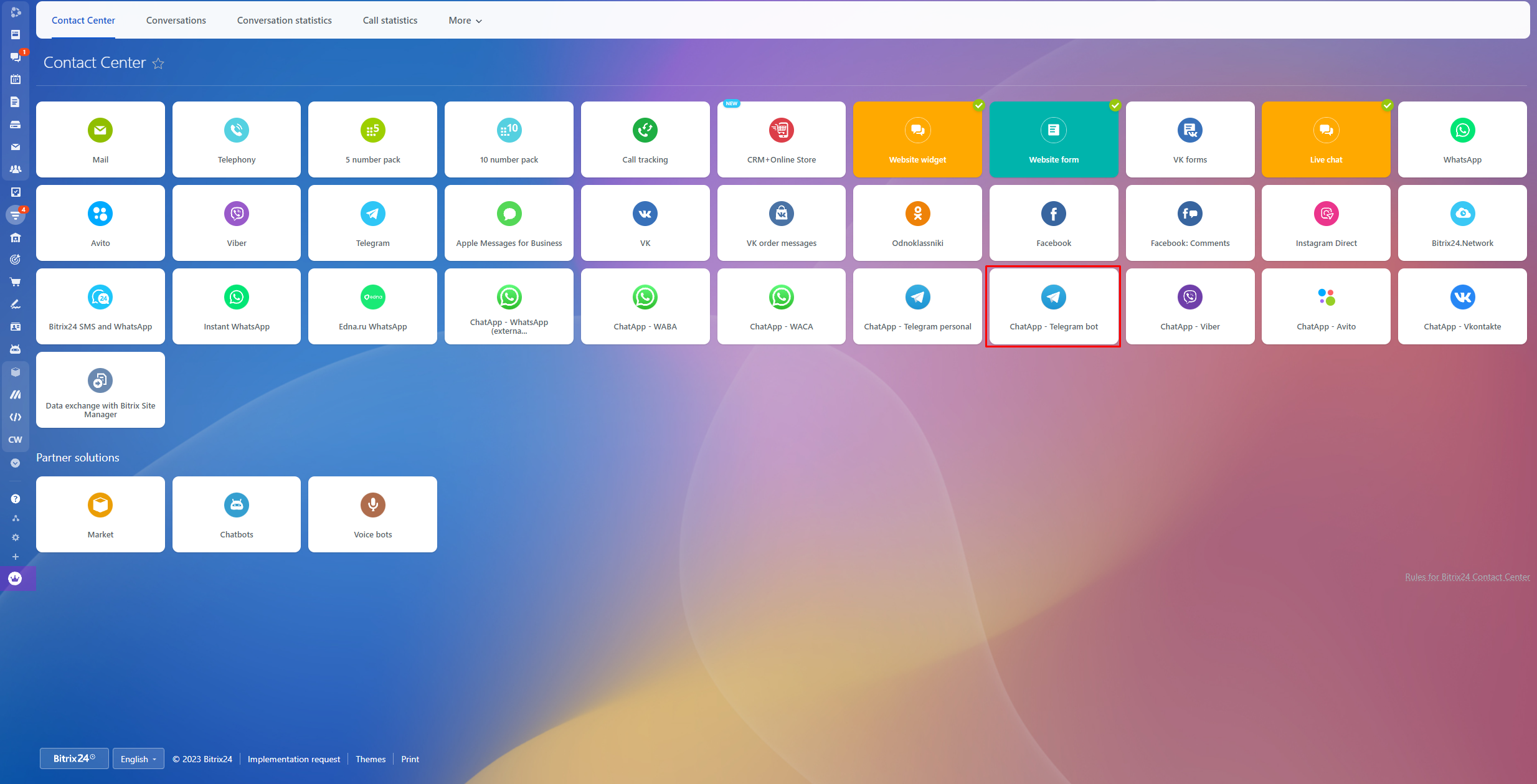
1. In the Contact Center section in Bitrix24, click on the connector – ChatApp – Telegram bot.
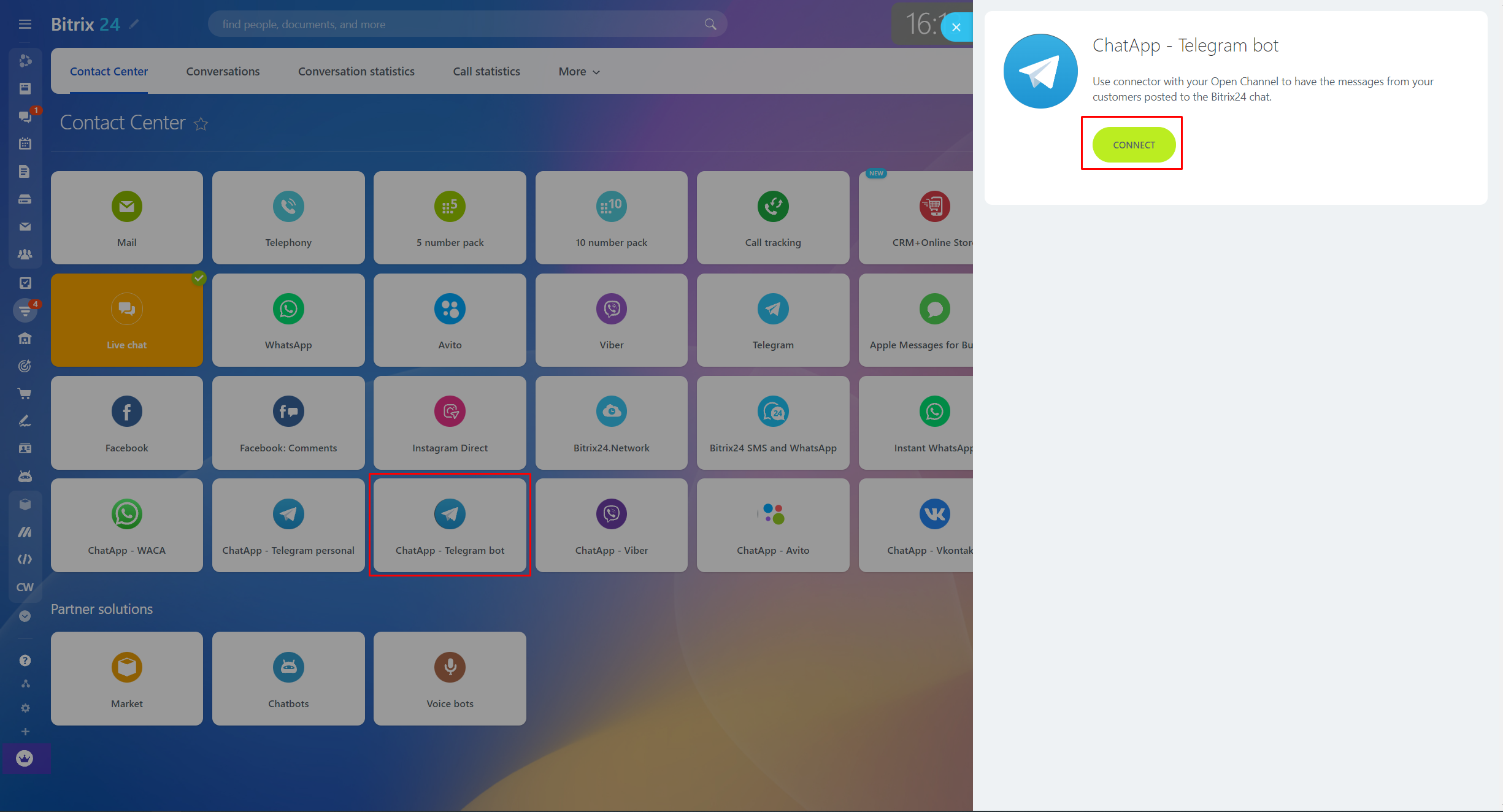
2. In the new window, click on the “Connect” button. Then make the necessary settings for the connector.
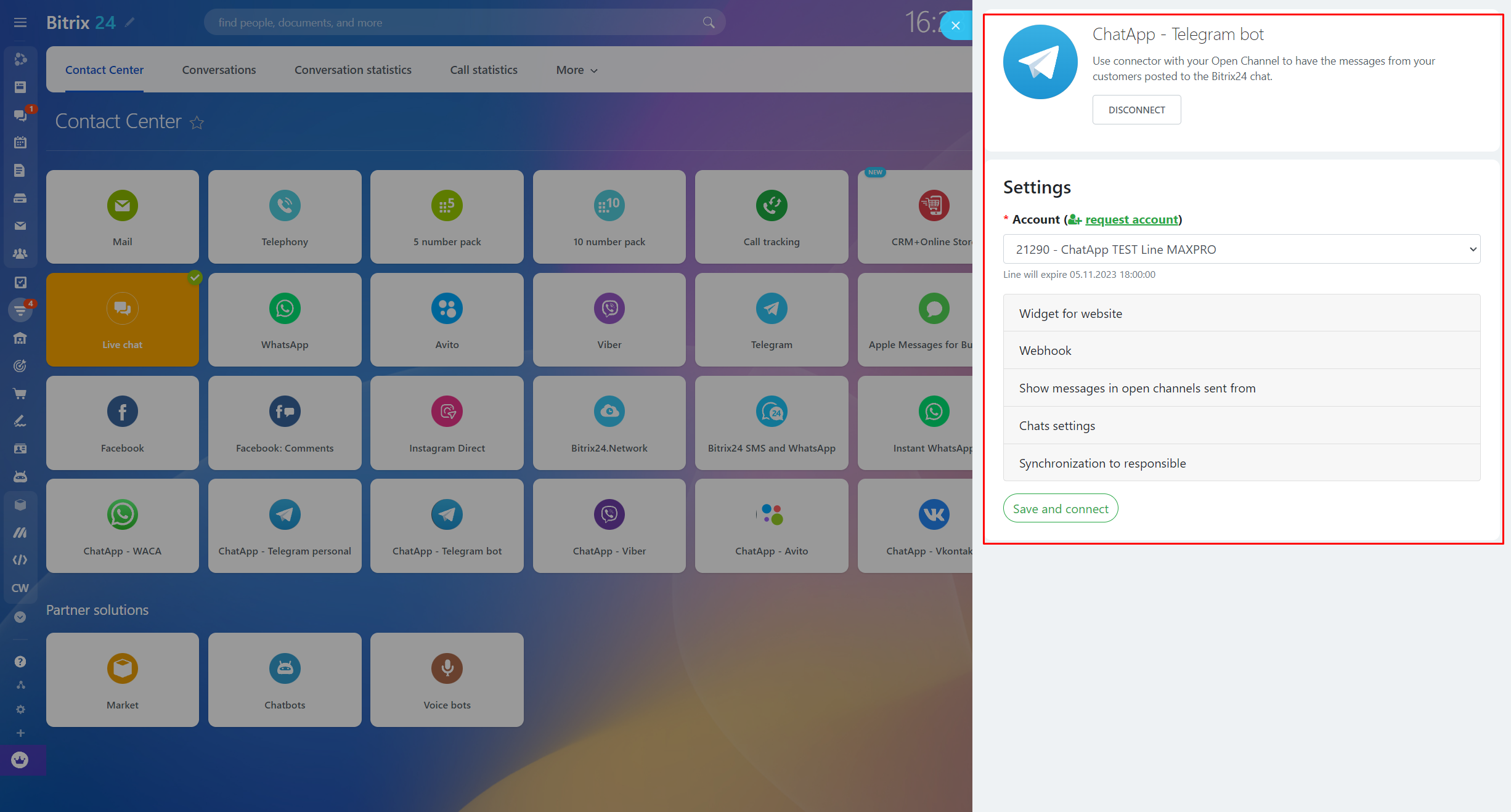
3. Fill in the parameters:
- In the settings, select the ChatApp line from the Account list – the line in which the Telegram bot channel is connected will be available.
- Fill in the “Channel name” field and enter the bot name in the “Telegram botname” field.
- Specify the communication channels from which messages will be received in open channels.
- Enable or disable Show phone numbers in group chats of open channels.
- Enable or disable Auto-synchronisation of the open channel chat name with the CRM contact.
- Configure the synchronization of the responsible.
- Click the “Save and Connect” button.
After setting, the channel will be added to the open line. All customer requests will be sent to your Bitrix24 chat and processed in accordance with the open lines settings.
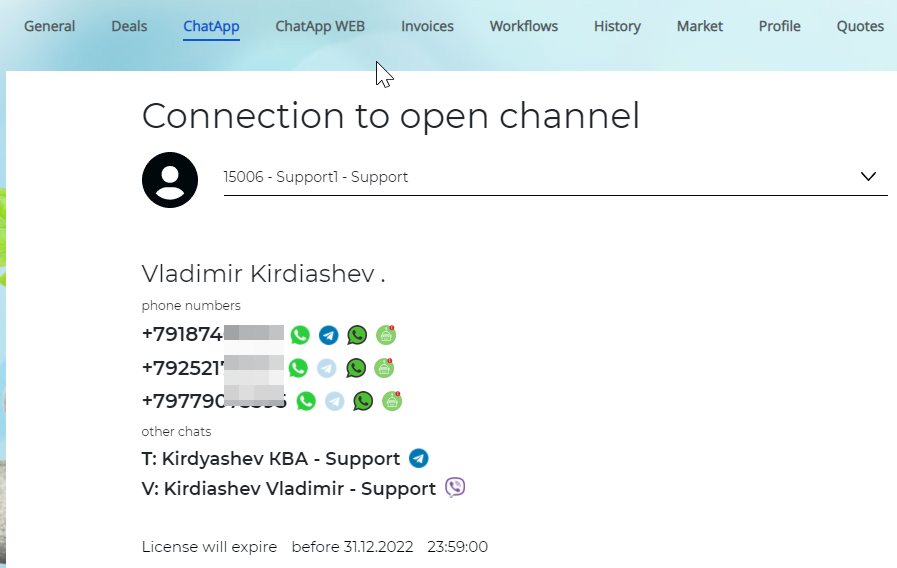
To open the existing dialog in Bitrix24 go to contact, lead, or transaction card in the ChatApp tab.