




Как подключить каналы в открытую линию
После установки приложения ChatApp в маркете Битрикс24, в разделе «Контакт-центр» создаются коннекторы ChatApp для настройки подключения каналов к открытым линиям.
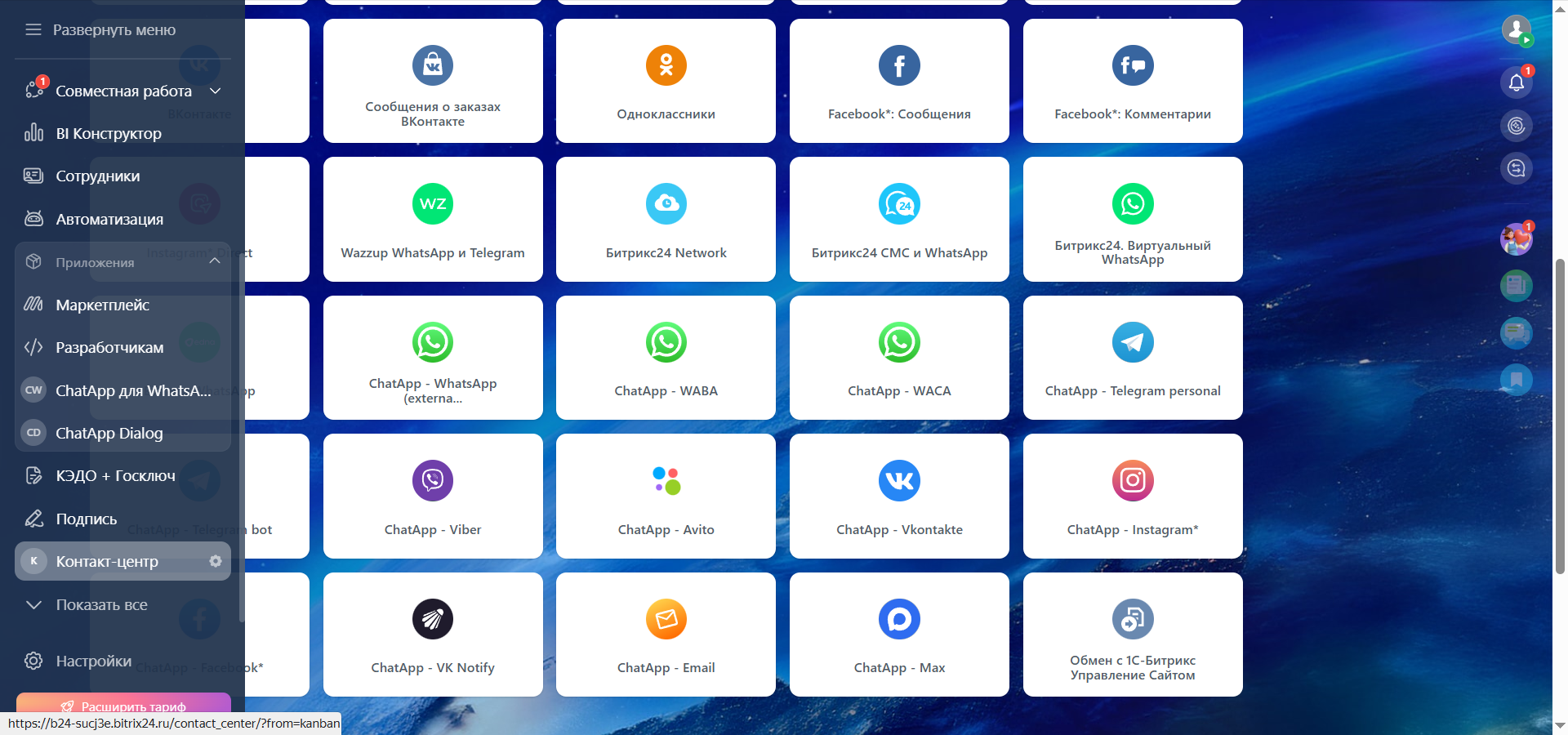
- ChatApp – WhatsApp (external provider) – настройки подключения канала WhatsApp Personal
- ChatApp – WACA – настройки подключения канала WhatsApp Cloud API
- ChatApp – WABA – настройки подключения официального канала WhatsApp Business API
- ChatApp – Telegram personal – настройки подключения канала Telegram
- ChatApp – Telegram bot – настройки подключения канала Telegram bot
- ChatApp – Viber – настройки подключения канала Viber bot
- ChatApp – Avito – настройки подключения канала Avito
- ChatApp – Vkontakte – настройки подключения канала Vkontakte.
- ChatApp – Instagram* – настройки подключения канала Instagram*
- ChatApp – Facebook* – настройки подключения канала Facebook*
- ChatApp – VK Notify – настройки подключения канала VK-Notify
- ChatApp – Email – настройки подключения канала Email
- ChatApp – Max – настройки подключения канала Max
1. Нажмите на нужный коннектор.
2. В меню укажите: создать новую открытую линию или подключить в уже существующую.
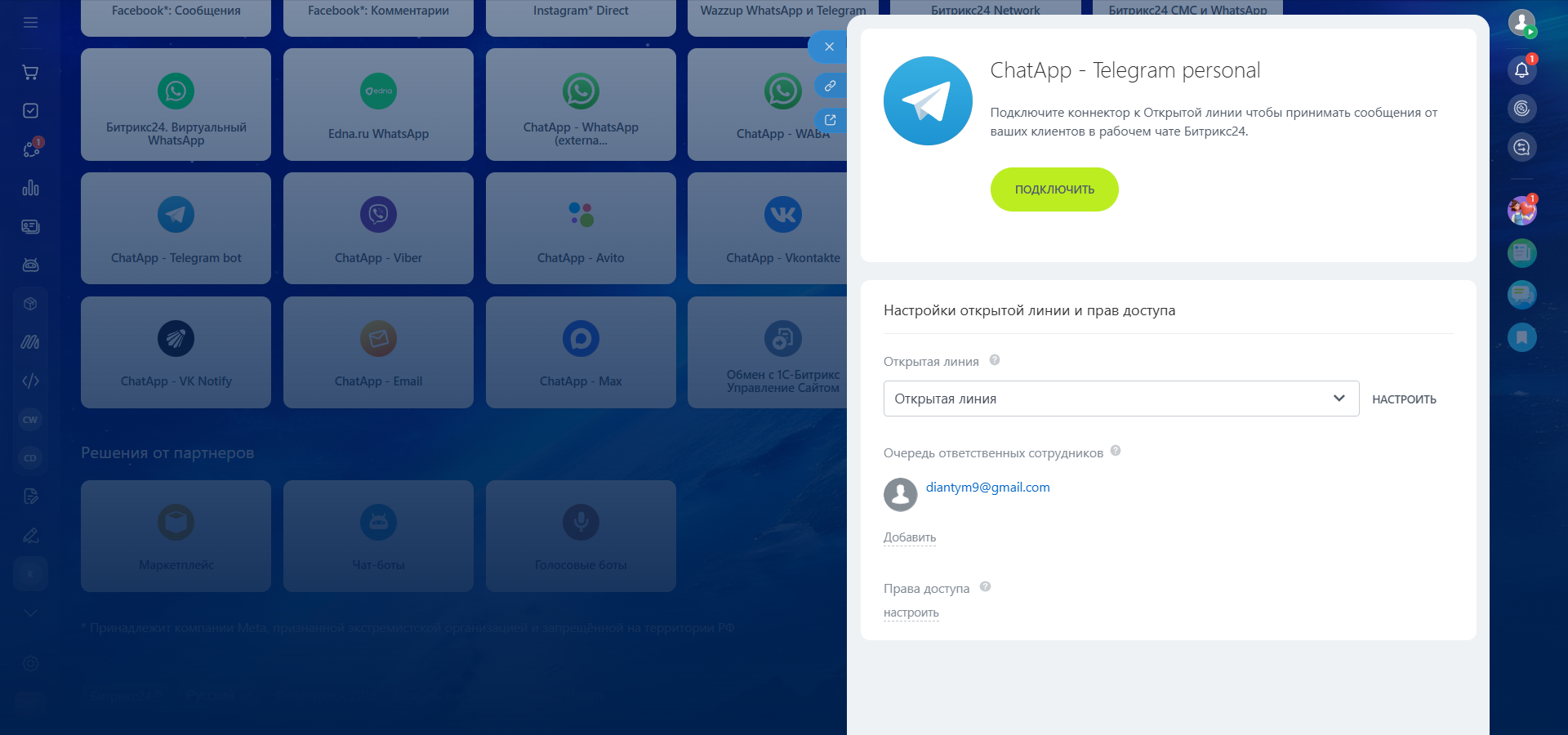
3. Нажмите «Подключить».
4. В настройках в разделе «Аккаунт» выберите линию ChatApp, к которой подключается нужный вам канал. Нажмите на кнопку «Запросить» для запроса демо-линии или покупки линии с выбранным каналом, если у вас его нет.
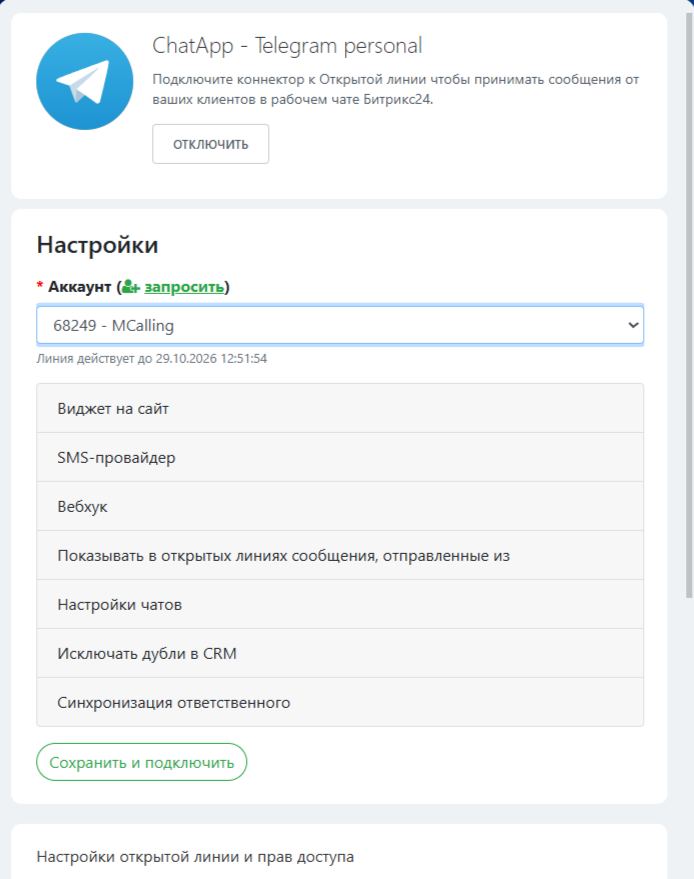
5. Заполните следующие поля раздела:
- Виджет на сайт — удобное для вас название канала и ссылка на виджет на вашем сайте для быстрой коммуникации клиентов с вами.
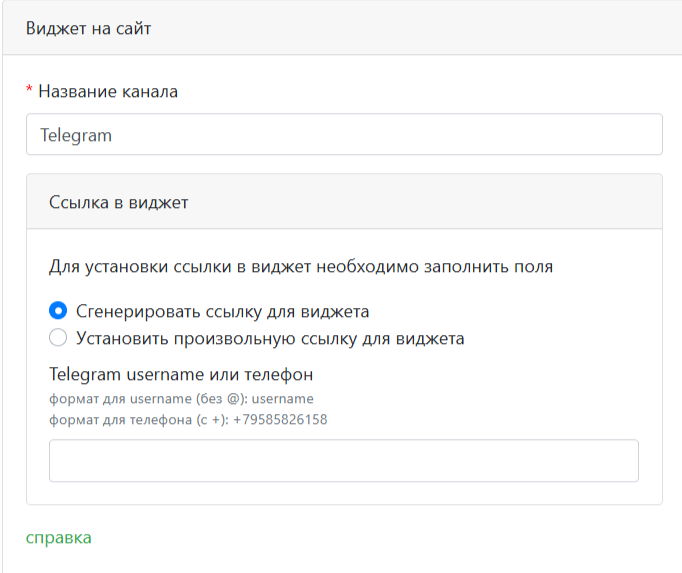
Позволяет настроить сервис для использования виджета Битрикс24. Вы можете ввести текст и номер телефона для перехода или подставить готовую ссылку на переход, которую можете сгенерировать в личном кабинете ChatApp – Сборщик UTM.

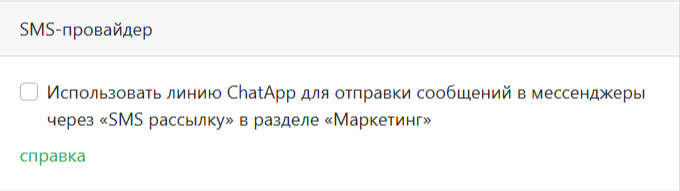
- SMS-провайдер — использование данной открытой линии и мессенджера для рассылки в Битрикс24 с помощью ChatApp.
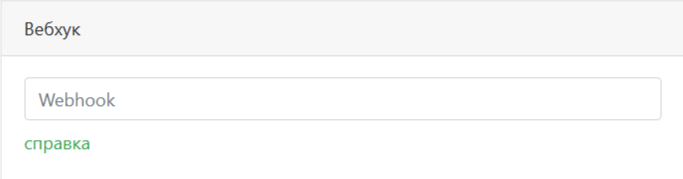
- Вебхук — URL вызываемого вебхука для обработки передаваемых из ChatApp параметров.
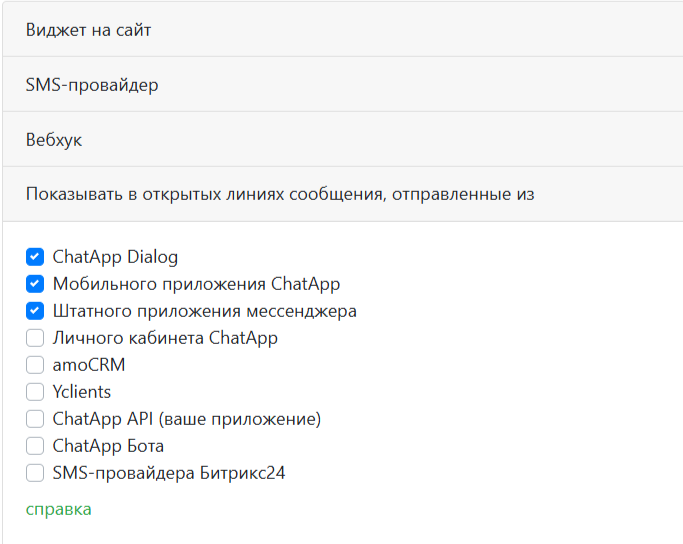
- Показывать в открытых линиях сообщения, отправленные из
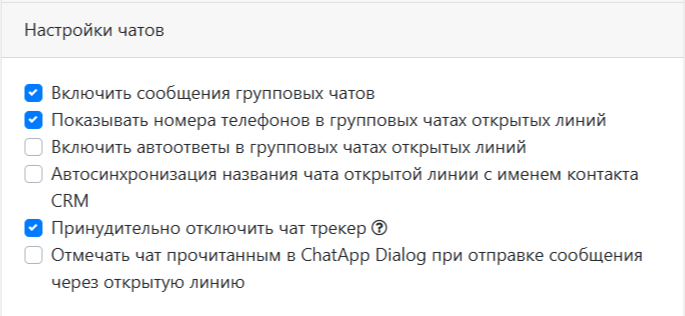
- Настройка чатов. Вы можете автоматически распознавать клиента, когда он пишет вам из разных источников, объединять и сохранять информацию о контакте в карточке CRM с помощью чат-трекета.
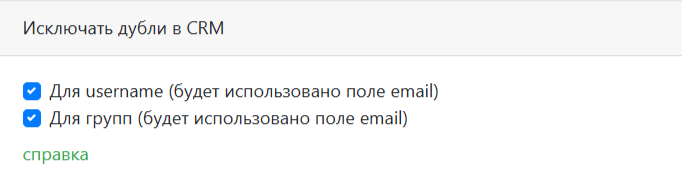
- Исключить дубли из CRM
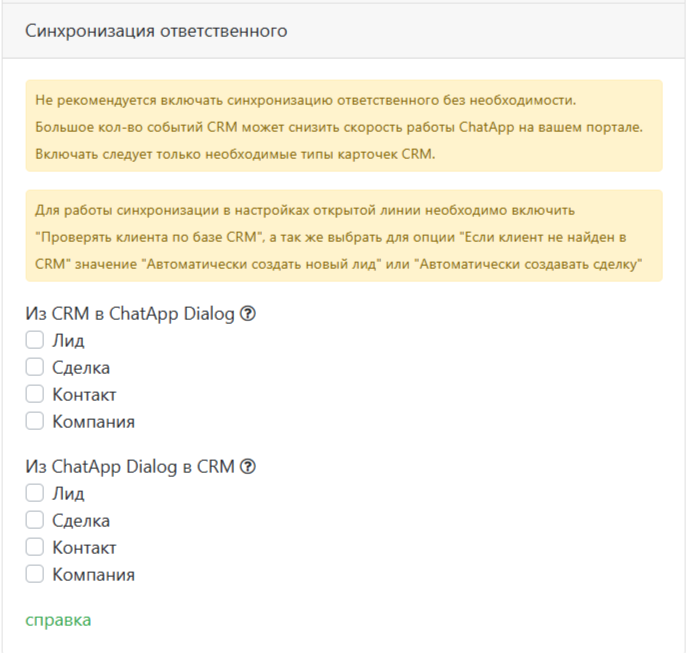
- Синхронизация ответственного — синхронизация ответственных между ChatApp и Битрикс24.
6. Нажмите «Сохранить и подключить».
Канал добавлен в открытую линию.
Далее можно приступить к настройке открытой линии Битрикс24 и добавить в нее ответственных, которым будут приходить уведомления о новых сообщениях.
Получить быстрый доступ к диалогу можно во вкладке ChatApp, которая становится доступна после установки приложения — в карточке контакта, лида или сделки.
